Category
Sort
Search
Sort

ABC Classification
DAX
Turn a chart into an ABC bar chart that ranks items by a measure and colours
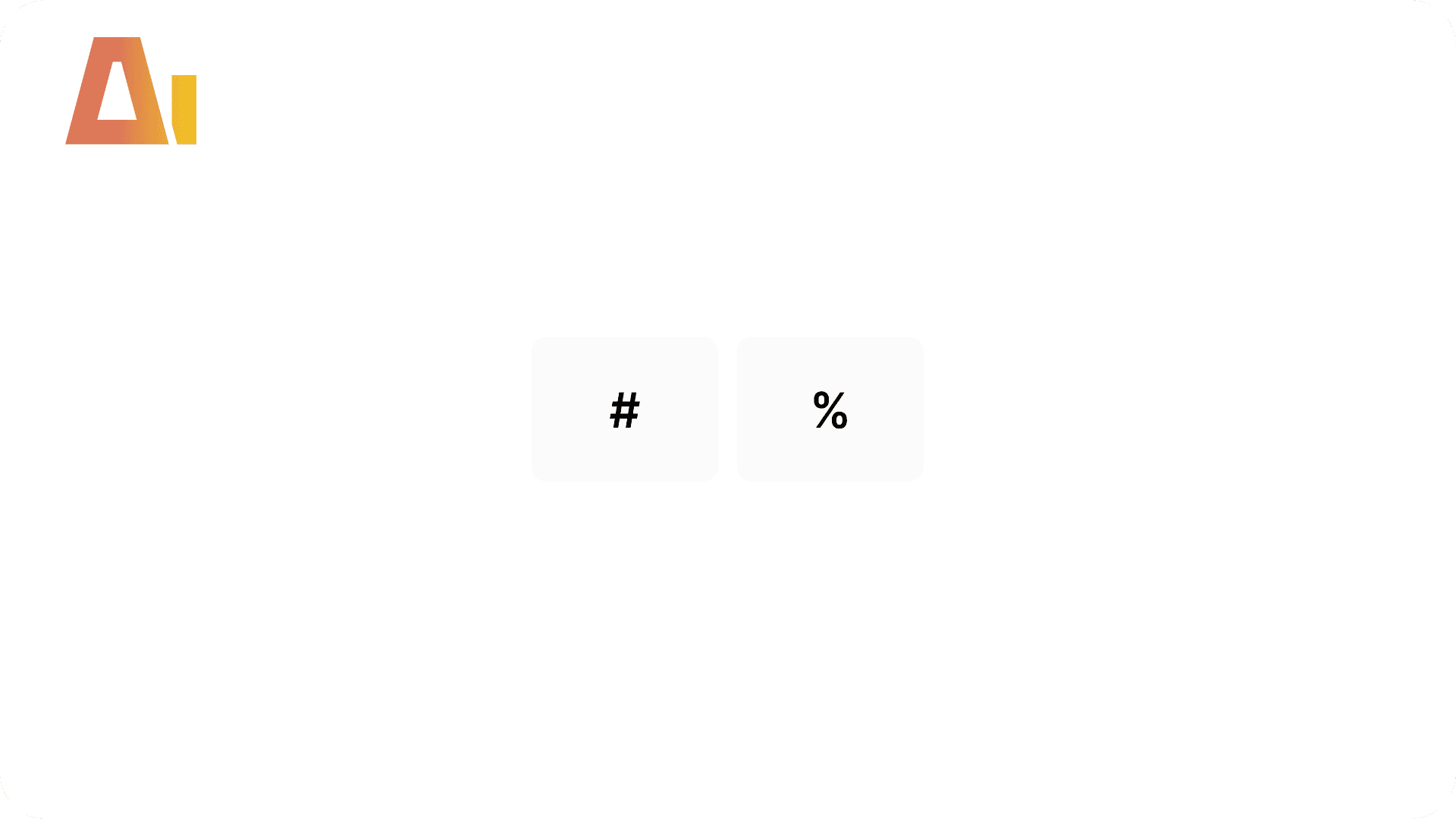
Absolute / Percentage Toggle
Build
Add a tile slicer to any chart that switches between absolute values and percentages

Active Filters Card Visual
Build
Generate a card visual that dynamically displays all currently active slicer and filter selections.

Apply rounded
Build
Convert standard column or bar charts to a lollipop "rounded column" style using Power BI's native error bar feature

Best Practice Analysis
Analyze
Take a Tabular Editor BPA export and get back a ranked report
Bookmark Analysis
Analyze
Simulate bookmark navigation, detect visual leaks, and fix show/hide issues across bookmark chains.
Clone Page
Build
Clone any report page with all visuals and bookmarks

Configuration Page
Build
Add a dedicated configuration page to any Power BI report
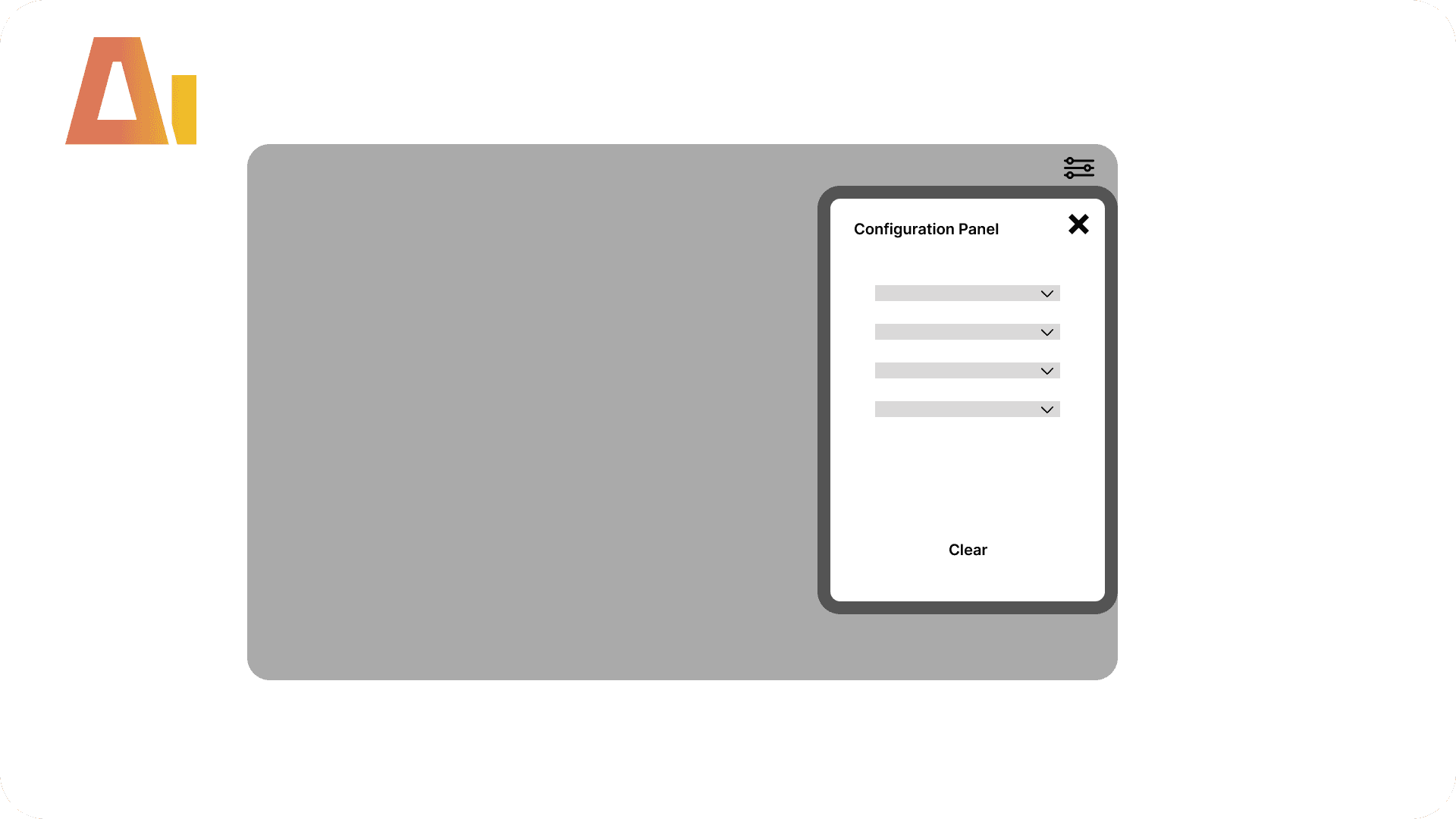
Configuration Panel
Build
Add a popup slicer panel overlay to any Power BI report page

Convert Implicit measures to Explicit
Optimize
Replace automatic column aggregations in visuals with proper DAX measures.

Convert to Trendline
Build
Add formatted data labels, markers, area shading, and a canvas tooltip to line chart visuals.

Create Tooltip
Build
Analyze a chart's field wells, colors, and line styles, then build the complete tooltip infrastructure

CY / PY Toggle
Build
Add a two-button CY / PY slicer to any chart that switches between current-year and prior-year
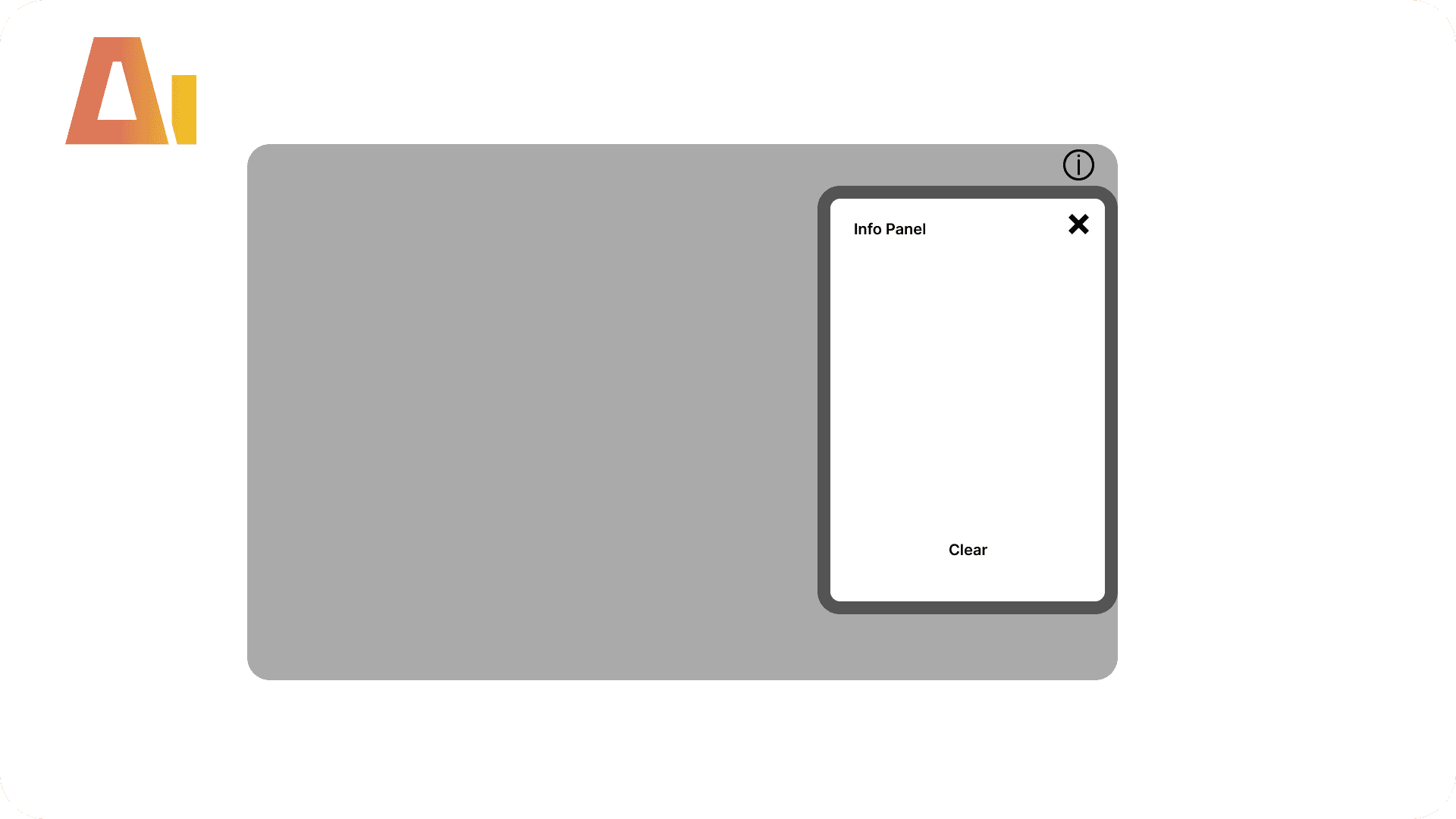
Information Panel
Build
Add a popup information panel overlay to any report page

Labels Slicer
Build
Add a buttons slicer to any chart so user can turn each series' data labels on and off

Last N months
Build
Add a numeric slider to any Power BI chart that lets end-users control the rolling window size

Matrix Heatmap
Format
Apply min/max, heatmap, top N, threshold, or positive/negative color formatting row by row.
Measure Killer Analysis
Analyze
Identify unused measures, DAX complexity issues, and dependency health across your entire model.

Measure Slicer
Build
Add buttons slicer to any chart so users can pick which measures are shown
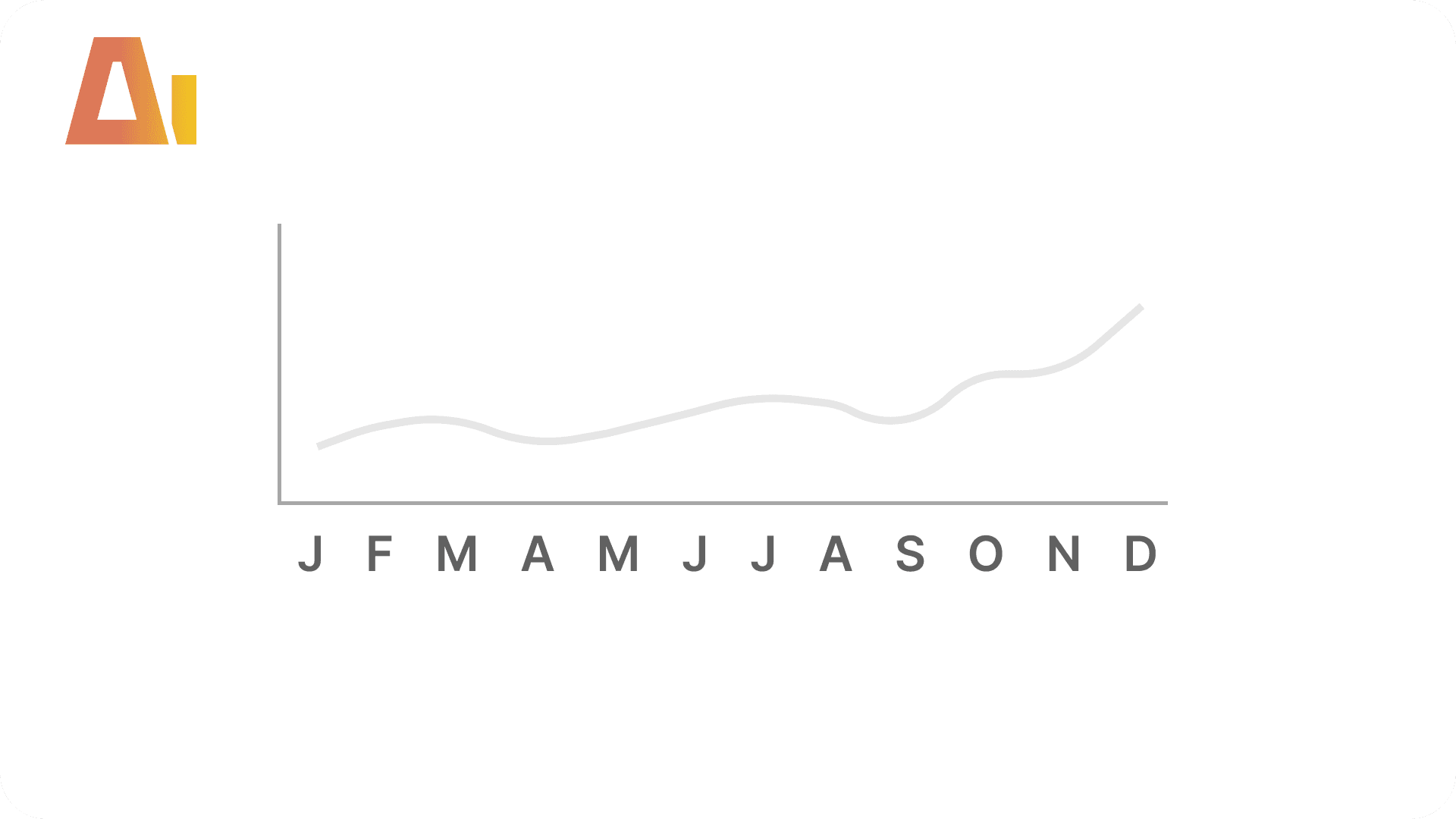
Month Abbreviation
Build
Replace long month names on a chart axis with clean single letters

Paginate Visual
Build
Add page-by-page navigation to any table, matrix, or chart with a horizontal page-number slicer.

Pareto Chart
DAX
Add a Pareto (80/20) combo chart to any report page

Pbip Analysis
Analyze
Check your star schema, relationships, DAX, Power Query, naming, and security all at once

Remove duplicated measures
Optimize
Detect measures with identical expressions and clean everything up
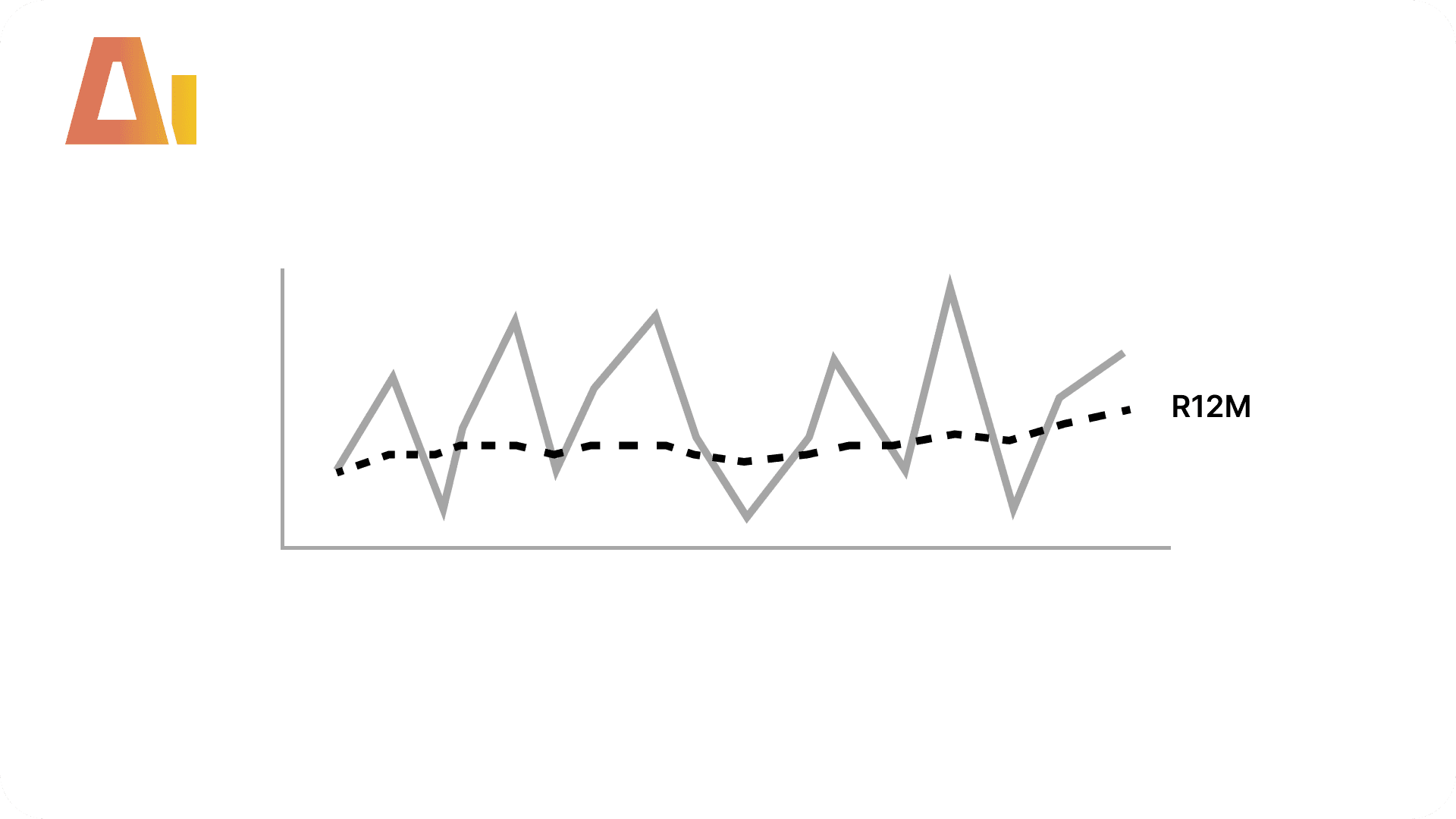
Rolling Averages Kit
DAX
Add 3-month, 6-month, and 12-month rolling averages plus a running total to any measure in your model

Set Column Width
Format
Set matrix and table column widths that actually stick

Sort Toggle
Build
Add a small up/down chevron control to a chart so users can control sorting

Sync X Axes
Format
Synchronize X axis min/max so they share the same horizontal scale.

Sync Y Axes
Format
Synchronize value axis min/max across multiple visuals so they align on the same scale.

Theme Auditor
Analyze
Scan all visuals for hardcoded colors, fonts, borders, and backgrounds that override the active theme

Time Granularity
Build
Add daily, weekly, monthly, quarterly granularity slicer to any chart
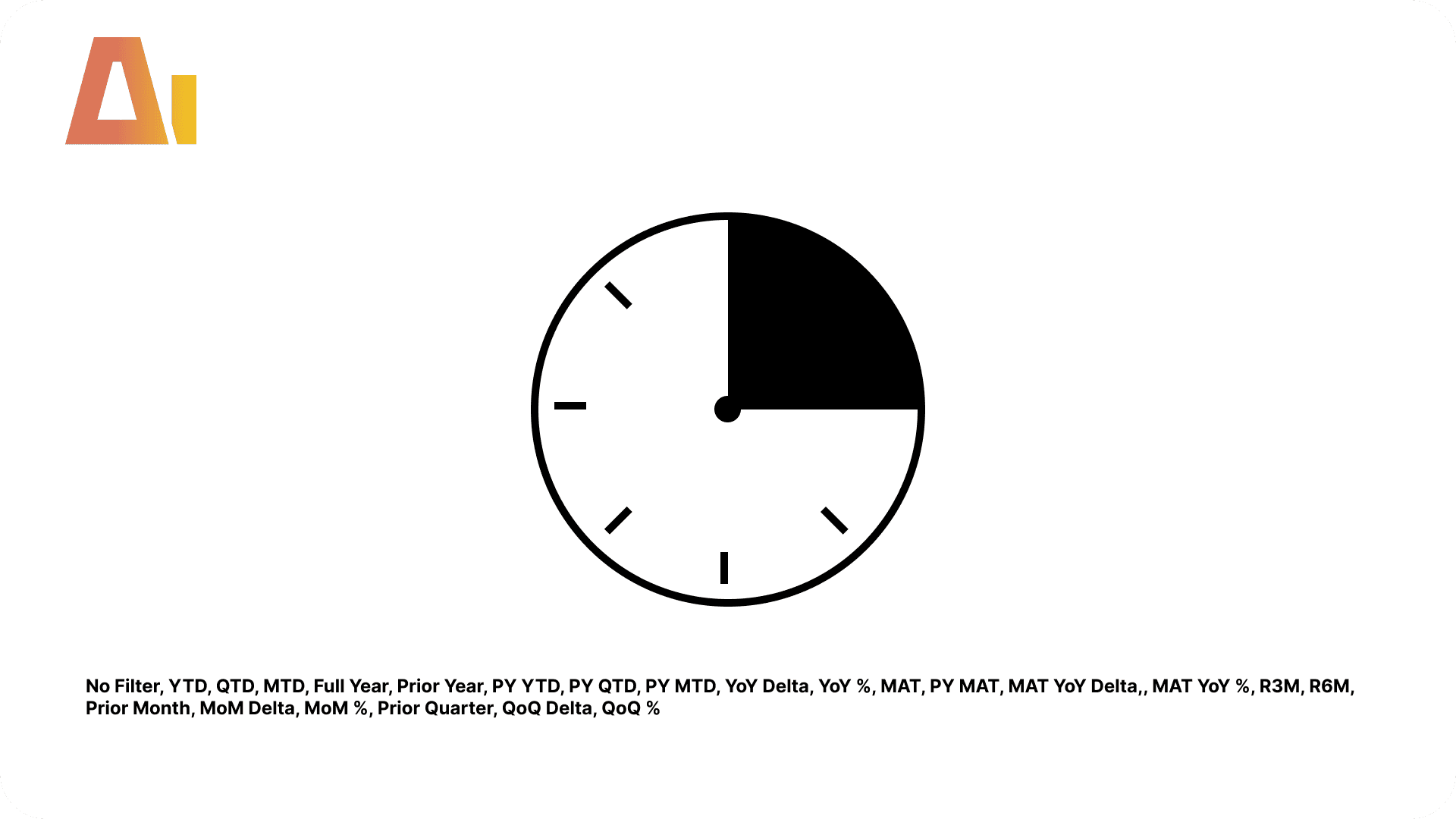
Time Intelligence Kit
DAX
Generate 23 time intelligence items that apply to every measure in your model automatically

Time Period Slicer
Build
Create a period tile slicer with up to 8 rolling periods (L2W, L1M, L3M, L6M, L1Y, L2Y, L3Y, L5Y)

Time Period Slicer + Custom
Build
Create period tile buttons (L2W–L5Y) plus a custom date range picker

Titles Check
Analyze
Audit every visible title and subtitle across your report

Top N Slicer
Build
Add a slicer that narrows a chart to its top N — or bottom N — items
Visual Inventory
Document
Get a full list of every visual on a page and what it uses

Vpax Analysis
Analyze
Turn a DAX Studio VPAX export into a plain report

Write descriptions
Document
Auto-write a plain-English description for every measure
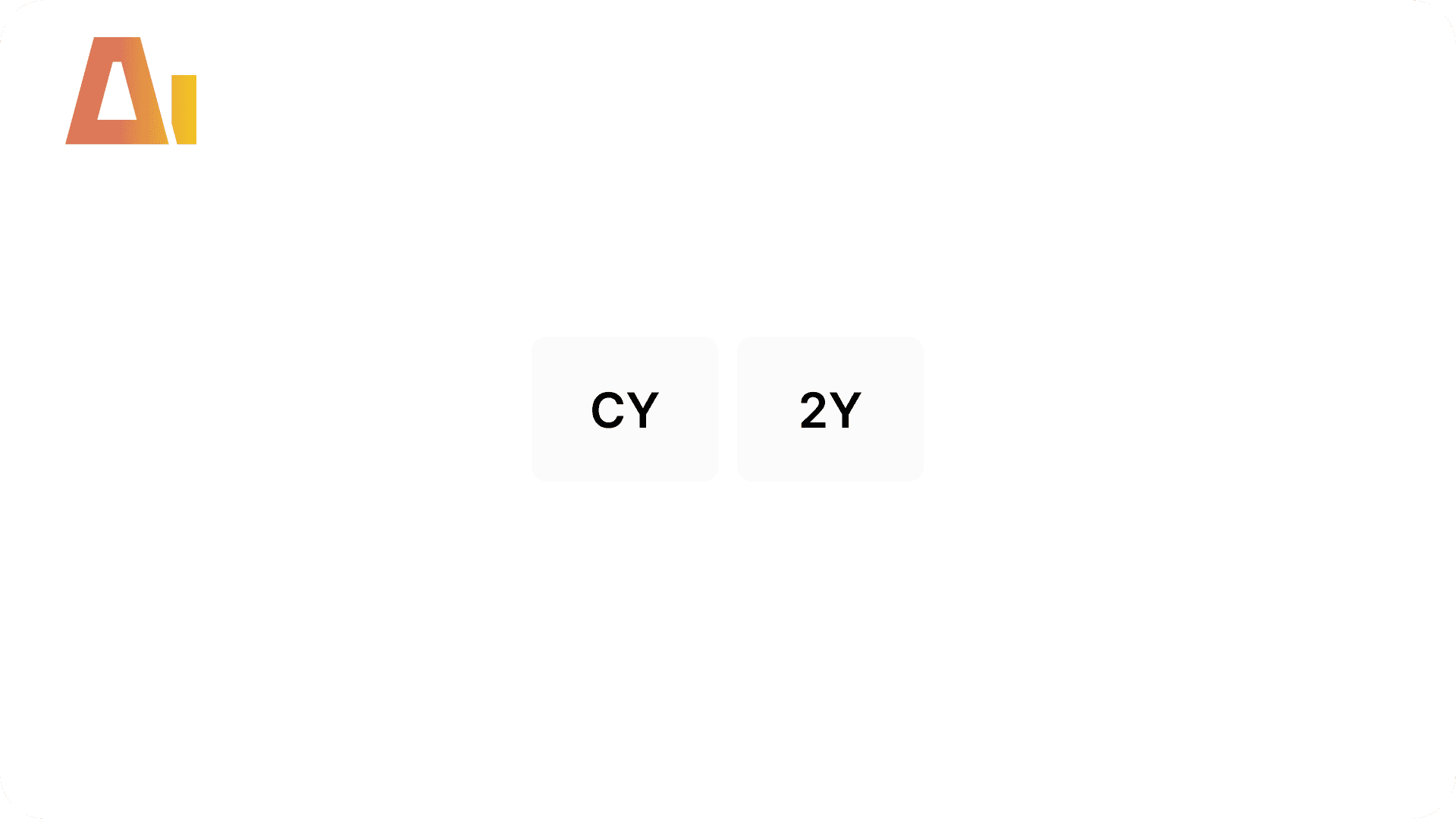
Year Range Slicer
Build
Add a compact CY / 2Y / 3Y button slicer to a chart
ABC Classification
DAX
Turn a chart into an ABC bar chart that ranks items by a measure and colours
Absolute / Percentage Toggle
Build
Add a tile slicer to any chart that switches between absolute values and percentages
Active Filters Card Visual
Build
Generate a card visual that dynamically displays all currently active slicer and filter selections.
Apply rounded
Build
Convert standard column or bar charts to a lollipop "rounded column" style using Power BI's native error bar feature
Best Practice Analysis
Analyze
Take a Tabular Editor BPA export and get back a ranked report
Bookmark Analysis
Analyze
Simulate bookmark navigation, detect visual leaks, and fix show/hide issues across bookmark chains.
Clone Page
Build
Clone any report page with all visuals and bookmarks
Configuration Page
Build
Add a dedicated configuration page to any Power BI report
Configuration Panel
Build
Add a popup slicer panel overlay to any Power BI report page
Convert Implicit measures to Explicit
Optimize
Replace automatic column aggregations in visuals with proper DAX measures.
Convert to Trendline
Build
Add formatted data labels, markers, area shading, and a canvas tooltip to line chart visuals.
Create Tooltip
Build
Analyze a chart's field wells, colors, and line styles, then build the complete tooltip infrastructure
CY / PY Toggle
Build
Add a two-button CY / PY slicer to any chart that switches between current-year and prior-year
Information Panel
Build
Add a popup information panel overlay to any report page
Labels Slicer
Build
Add a buttons slicer to any chart so user can turn each series' data labels on and off
Last N months
Build
Add a numeric slider to any Power BI chart that lets end-users control the rolling window size
Matrix Heatmap
Format
Apply min/max, heatmap, top N, threshold, or positive/negative color formatting row by row.
Measure Killer Analysis
Analyze
Identify unused measures, DAX complexity issues, and dependency health across your entire model.
Measure Slicer
Build
Add buttons slicer to any chart so users can pick which measures are shown
Month Abbreviation
Build
Replace long month names on a chart axis with clean single letters
Paginate Visual
Build
Add page-by-page navigation to any table, matrix, or chart with a horizontal page-number slicer.
Pareto Chart
DAX
Add a Pareto (80/20) combo chart to any report page
Pbip Analysis
Analyze
Check your star schema, relationships, DAX, Power Query, naming, and security all at once
Remove duplicated measures
Optimize
Detect measures with identical expressions and clean everything up
Rolling Averages Kit
DAX
Add 3-month, 6-month, and 12-month rolling averages plus a running total to any measure in your model
Set Column Width
Format
Set matrix and table column widths that actually stick
Sort Toggle
Build
Add a small up/down chevron control to a chart so users can control sorting
Sync X Axes
Format
Synchronize X axis min/max so they share the same horizontal scale.
Sync Y Axes
Format
Synchronize value axis min/max across multiple visuals so they align on the same scale.
Theme Auditor
Analyze
Scan all visuals for hardcoded colors, fonts, borders, and backgrounds that override the active theme
Time Granularity
Build
Add daily, weekly, monthly, quarterly granularity slicer to any chart
Time Intelligence Kit
DAX
Generate 23 time intelligence items that apply to every measure in your model automatically
Time Period Slicer
Build
Create a period tile slicer with up to 8 rolling periods (L2W, L1M, L3M, L6M, L1Y, L2Y, L3Y, L5Y)
Time Period Slicer + Custom
Build
Create period tile buttons (L2W–L5Y) plus a custom date range picker
Titles Check
Analyze
Audit every visible title and subtitle across your report
Top N Slicer
Build
Add a slicer that narrows a chart to its top N — or bottom N — items
Visual Inventory
Document
Get a full list of every visual on a page and what it uses
Vpax Analysis
Analyze
Turn a DAX Studio VPAX export into a plain report
Write descriptions
Document
Auto-write a plain-English description for every measure
Year Range Slicer
Build
Add a compact CY / 2Y / 3Y button slicer to a chart
ABC Classification
DAX
Turn a chart into an ABC bar chart that ranks items by a measure and colours
Absolute / Percentage Toggle
Build
Add a tile slicer to any chart that switches between absolute values and percentages
Active Filters Card Visual
Build
Generate a card visual that dynamically displays all currently active slicer and filter selections.
Apply rounded
Build
Convert standard column or bar charts to a lollipop "rounded column" style using Power BI's native error bar feature
Best Practice Analysis
Analyze
Take a Tabular Editor BPA export and get back a ranked report
Bookmark Analysis
Analyze
Simulate bookmark navigation, detect visual leaks, and fix show/hide issues across bookmark chains.
Clone Page
Build
Clone any report page with all visuals and bookmarks
Configuration Page
Build
Add a dedicated configuration page to any Power BI report
Configuration Panel
Build
Add a popup slicer panel overlay to any Power BI report page
Convert Implicit measures to Explicit
Optimize
Replace automatic column aggregations in visuals with proper DAX measures.
Convert to Trendline
Build
Add formatted data labels, markers, area shading, and a canvas tooltip to line chart visuals.
Create Tooltip
Build
Analyze a chart's field wells, colors, and line styles, then build the complete tooltip infrastructure
CY / PY Toggle
Build
Add a two-button CY / PY slicer to any chart that switches between current-year and prior-year
Information Panel
Build
Add a popup information panel overlay to any report page
Labels Slicer
Build
Add a buttons slicer to any chart so user can turn each series' data labels on and off
Last N months
Build
Add a numeric slider to any Power BI chart that lets end-users control the rolling window size
Matrix Heatmap
Format
Apply min/max, heatmap, top N, threshold, or positive/negative color formatting row by row.
Measure Killer Analysis
Analyze
Identify unused measures, DAX complexity issues, and dependency health across your entire model.
Measure Slicer
Build
Add buttons slicer to any chart so users can pick which measures are shown
Month Abbreviation
Build
Replace long month names on a chart axis with clean single letters
Paginate Visual
Build
Add page-by-page navigation to any table, matrix, or chart with a horizontal page-number slicer.
Pareto Chart
DAX
Add a Pareto (80/20) combo chart to any report page
Pbip Analysis
Analyze
Check your star schema, relationships, DAX, Power Query, naming, and security all at once
Remove duplicated measures
Optimize
Detect measures with identical expressions and clean everything up
Rolling Averages Kit
DAX
Add 3-month, 6-month, and 12-month rolling averages plus a running total to any measure in your model
Set Column Width
Format
Set matrix and table column widths that actually stick
Sort Toggle
Build
Add a small up/down chevron control to a chart so users can control sorting
Sync X Axes
Format
Synchronize X axis min/max so they share the same horizontal scale.
Sync Y Axes
Format
Synchronize value axis min/max across multiple visuals so they align on the same scale.
Theme Auditor
Analyze
Scan all visuals for hardcoded colors, fonts, borders, and backgrounds that override the active theme
Time Granularity
Build
Add daily, weekly, monthly, quarterly granularity slicer to any chart
Time Intelligence Kit
DAX
Generate 23 time intelligence items that apply to every measure in your model automatically
Time Period Slicer
Build
Create a period tile slicer with up to 8 rolling periods (L2W, L1M, L3M, L6M, L1Y, L2Y, L3Y, L5Y)
Time Period Slicer + Custom
Build
Create period tile buttons (L2W–L5Y) plus a custom date range picker
Titles Check
Analyze
Audit every visible title and subtitle across your report
Top N Slicer
Build
Add a slicer that narrows a chart to its top N — or bottom N — items
Visual Inventory
Document
Get a full list of every visual on a page and what it uses
Vpax Analysis
Analyze
Turn a DAX Studio VPAX export into a plain report
Write descriptions
Document
Auto-write a plain-English description for every measure
Year Range Slicer
Build
Add a compact CY / 2Y / 3Y button slicer to a chart
Never miss a new Power BI AI skill.
Be the first to know when we drop new ready-to-use automation scripts for report building, DAX, and model auditing.