Pareto Chart
80/20 Analysis Chart

Overview
Features
Prompts
Help
Key Features
Leadership wants the 80/20 story: which 20% of products bring in 80% of sales. The chart that tells it — ranked bars with a cumulative percentage line and the vital few coloured apart from the trivial many — is genuinely awkward to build. The threshold colouring needs a DAX pattern that's evaluated per item, or every bar comes out the same colour; the bars have to be sorted at the query level or the line won't climb properly; and the dual Y-axis and combo styling live in undocumented visual properties. This skill generates the whole thing from one command — the measures, the configuration table, and the chart — and it reclassifies live as people slice — run it with /pareto-chart.
How it works
Type /pareto-chart, point it at a chart to turn into a Pareto (or a page to add one), answer two quick questions, and the skill builds everything:
Reads your chart — picks up the dimension to rank, the measure to rank by, and that measure's table straight from the visual
Asks two things — which display folder the measures go in (default
_Pareto) and the threshold (80% by default, or 70% / 90% / your own)Writes the DAX — four measures (cumulative %, the per-bar colour, a dynamic Y-axis ceiling, and a count of items inside the threshold) using the SQLBI WINDOW + RANK pattern, so it recomputes under any slicer
Adds a configuration table — a small Pareto Configuration table holding the threshold, so you can change it later without editing DAX
Builds the chart — a combo chart with bars sorted biggest-first, a smooth cumulative line, the dual Y-axis set up, and items under the threshold in your primary colour (the rest muted)
Matches your page — title font, data labels, and the line colour are read from the visuals already on the page
Converts in place when you point at a chart — it reuses that visual's spot, group, and visibility, and keeps the descending sort correct even after bookmark navigation
What you get
A Pareto combo chart — bars ranked biggest-first, a smooth cumulative % line, dual Y-axis, styled to match your page
Dynamic threshold colouring — items under the threshold in your primary colour, the rest muted; recolours live as people slice
Four DAX measures — cumulative %, per-bar colour, dynamic Y-axis ceiling, and a count of items inside the threshold, grouped in a
_ParetofolderA configuration table — a Pareto Configuration table holding the threshold, editable any time without touching DAX
Explore more in this category

ABC Classification
DAX
Turn a chart into an ABC bar chart that ranks items by a measure and colours
Rolling Averages Kit
DAX
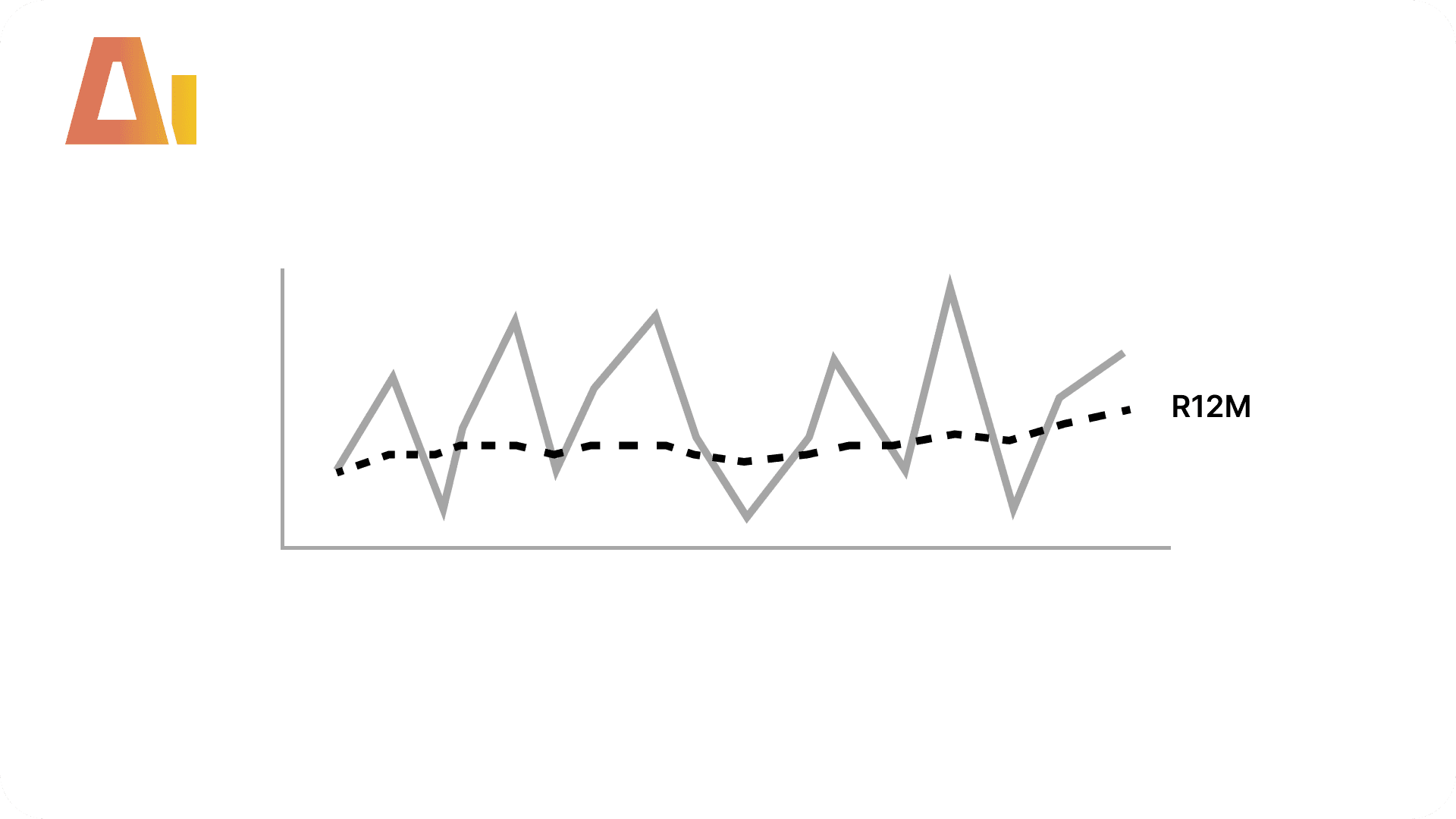
Add 3-month, 6-month, and 12-month rolling averages plus a running total to any measure in your model
Time Intelligence Kit
DAX
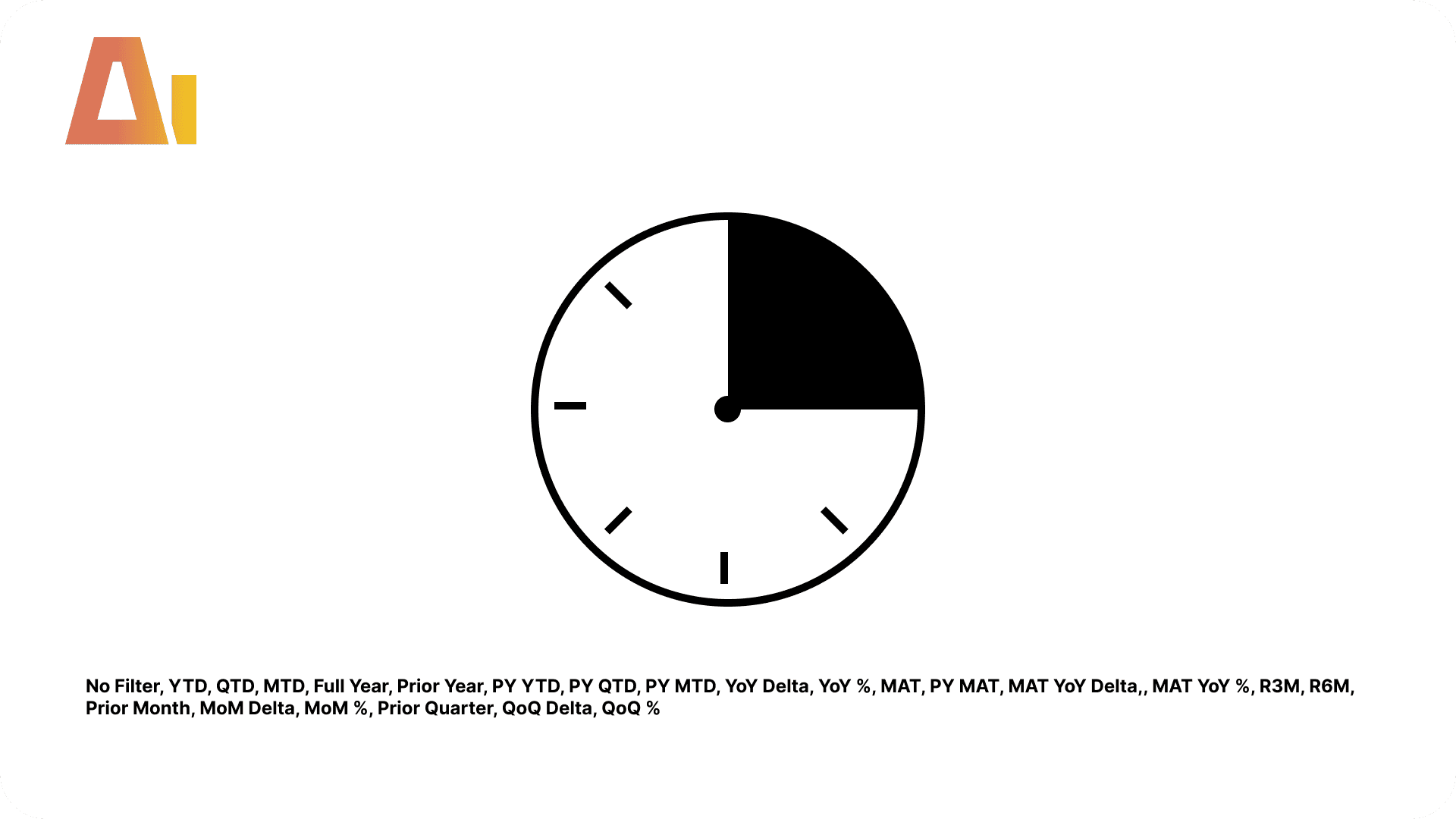
Generate 23 time intelligence items that apply to every measure in your model automatically
Tool Information
Skill
39 USD
Bundle (All skills)
249 USD
Category
DAX
Version
Version 3.2.2.2.6
or log in if you already have an account