Month Abbreviation
Single-Letter Month Labels (JFMAMJJASOND)
Overview
Features
Prompts
Help
Key Features
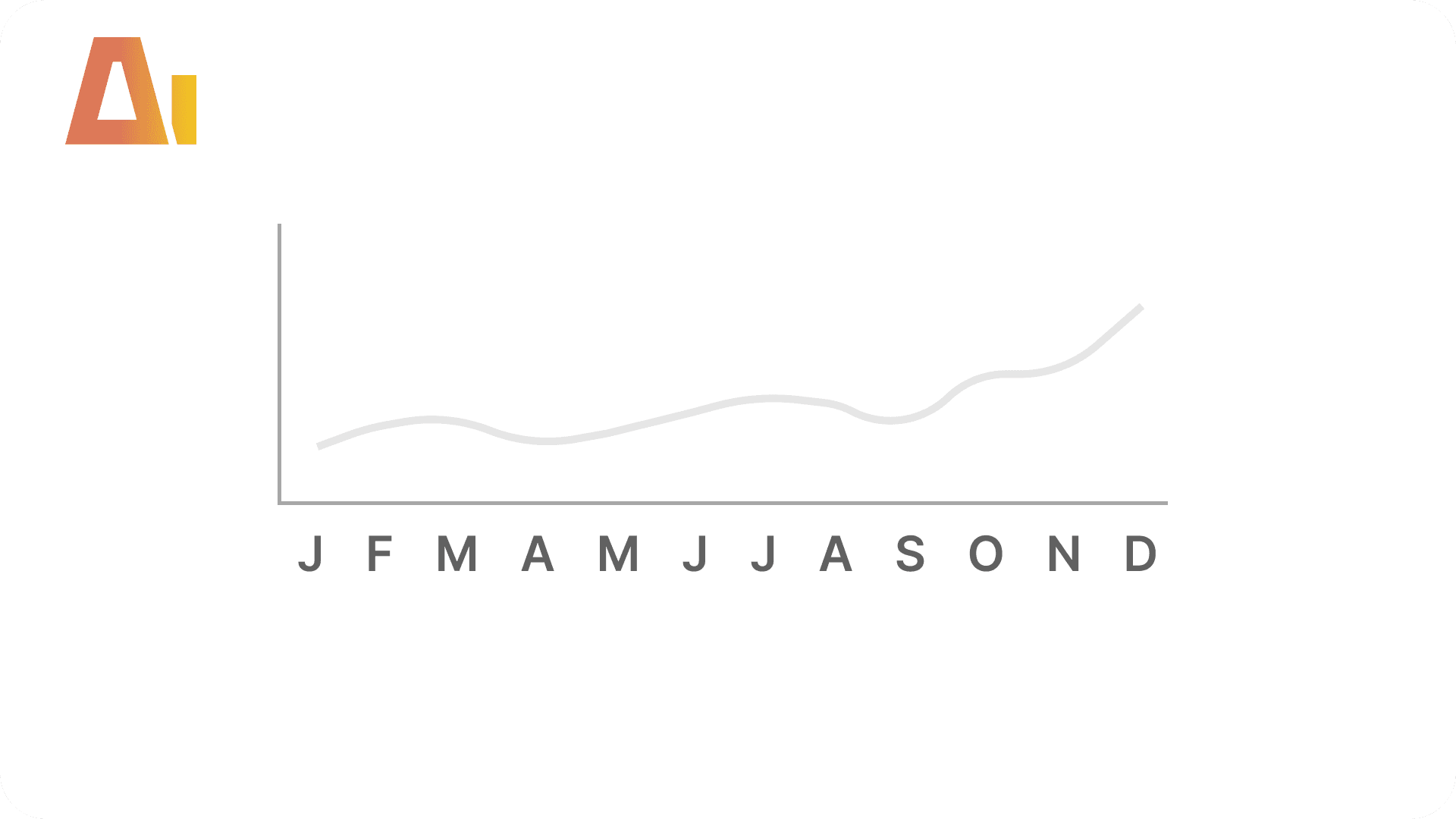
Monthly charts default to "January, February, March…" or "Jan, Feb, Mar…", and both eat into the plot area, especially on a narrow visual or when you have a full year of columns. Single letters are the obvious fix — but Power BI sees the three J's as the same value and collapses January, June, and July together, and the axis falls back to alphabetical order instead of running through the year.
This skill handles both problems for you. It adds a column that shows a single letter on the axis while keeping each month distinct behind the scenes, and locks the order to the calendar. You get a compact J F M A M J J A S O N D axis that still slices, filters, and cross-highlights correctly — run it with /month-abbr.
How it works
Point the skill at a chart — or just your calendar table — and it builds everything:
Reads the chart to find your calendar table and the month column on the axis — works on any table, however it was built
Adds a single-letter month column, with each letter kept unique so months never merge
Locks the order to the underlying month number, so the axis always runs January to December
Optionally rewires the chart axis to the new column — point it at one visual or several at once
What you get
Compact month axis — single letters in place of full month names, with no lost plot space
No merged months — January, June, and July stay separate in bars, slicers, and cross-highlighting
Chronological order locked — the axis never falls back to alphabetical
One column, reused — point it at a second chart and it reuses the same column instead of building a duplicate
Everything else untouched — your existing month name column and measures are left exactly as they were
Explore more in this category
Absolute / Percentage Toggle
Build
Add a tile slicer to any chart that switches between absolute values and percentages

Active Filters Card Visual
Build
Generate a card visual that dynamically displays all currently active slicer and filter selections.

Apply rounded
Build
Convert standard column or bar charts to a lollipop "rounded column" style using Power BI's native error bar feature

Clone Page
Build
Clone any report page with all visuals and bookmarks
Tool Information
Skill
39 USD
Bundle (All skills)
249 USD
Category
Build
Version
Version 3.2.2.2
or log in if you already have an account