Year Range Slicer
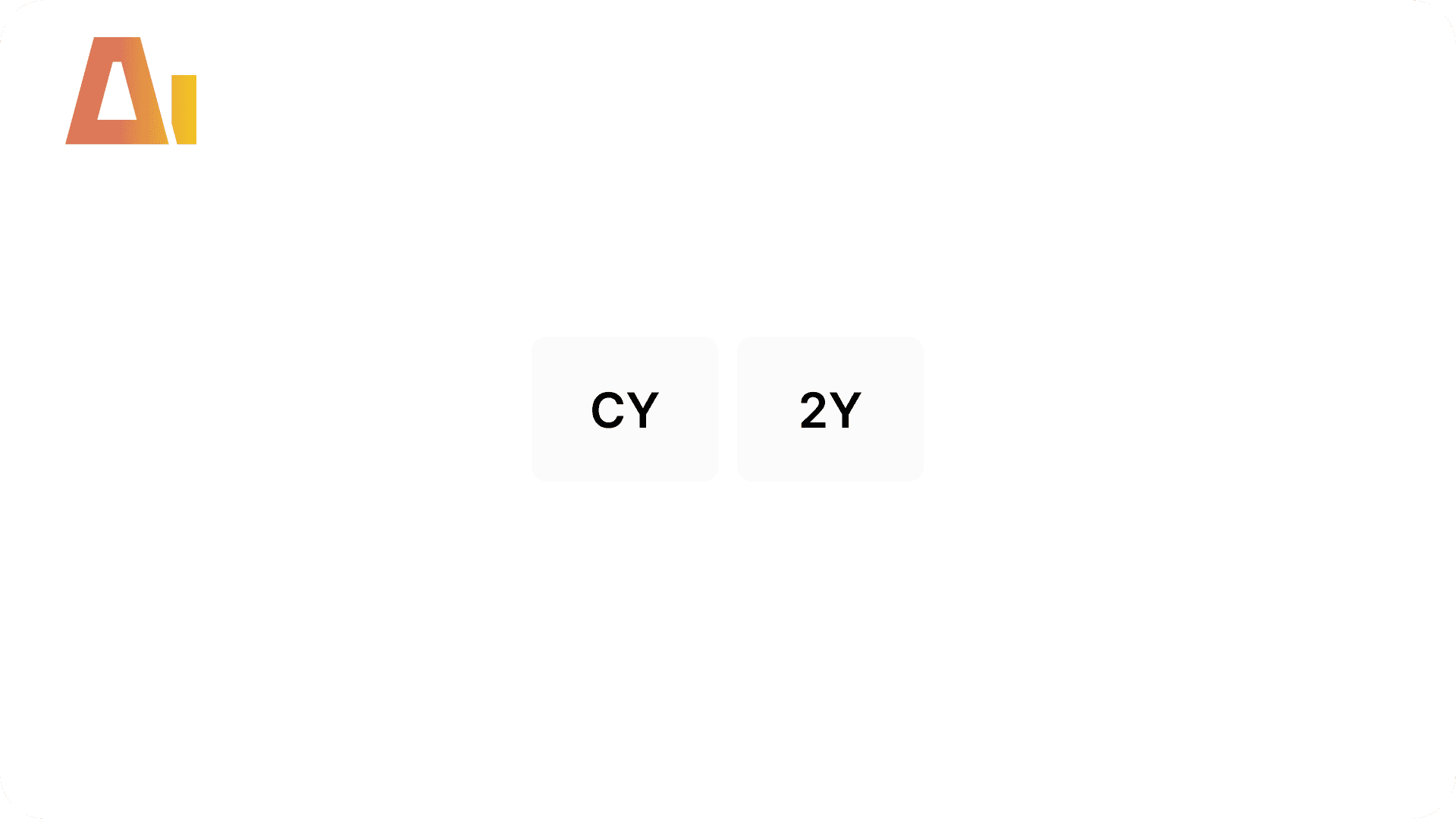
CY / 2Y / 3Y Year Window Slicer
Overview
Features
Prompts
Help
Key Features
our chart holds five years of data, but most of the time people only want the current year or the last couple. A fixed date filter breaks the moment the calendar rolls into a new year, and rolling your own year window by hand is a real piece of DAX: a disconnected table to drive the buttons, measures with exactly the right window logic, a tile slicer wired so it filters only its own chart, and — when the chart's axis is the calendar itself — a separate axis table plus a bridge back to the data so prior years can still show while a year slicer is active. This skill builds the lot from one prompt, using the clean SQLBI approach where out-of-window bars simply return blank and drop off the chart — no visual-level filter, and none of the fragile bookmark wiring the old version needed — run it with /year-range-slicer.
How it works
Type /year-range-slicer, point it at your chart(s), pick which periods to include, and the skill handles everything:
Reads your chart — finds the Y-axis measures, the calendar table, the year column, and whether a year slicer is anchoring the chart
Asks one thing — which periods you want on the buttons (CY, 2Y, 3Y, 4Y, 5Y), then shows you the plan and waits for your go
Builds the buttons — a small disconnected parameter table, one row per period, that drives the slicer
Wraps your measures — for each measure on the chart it creates a version that shows the value inside the chosen window and returns blank outside it, so out-of-window bars just disappear (no visual-level filter involved)
Handles the axis automatically — when a year slicer anchors the chart it swaps the axis to a disconnected table and bridges back to the data (via TREATAS) so prior years still show; when no year slicer is involved it leaves your live axis alone and only swaps the measures
Adds a self-updating title — names the selected window and anchor year, e.g. "Revenue – 2Y (2013–2014)"
Drops in the slicer — a compact tile slicer top-right above the chart, styled to match your page, pre-set to CY
Keeps interactions clean — the slicer drives only its own chart and stays out of everything else (and other visuals can never override it)
Follows bookmarks — if the chart shows and hides with a bookmark, the slicer is grouped with it so they travel together
What you get
A row of year buttons — a compact CY / 2Y / 3Y tile slicer top-right on the chart, styled to match your page and pre-set to CY
Wrapper measures — one per measure on the chart, showing the value inside the selected window and blank outside it, so the chart narrows itself with no visual-level filter
A self-updating title — names the window and the anchor year, e.g. "Revenue – 3Y (2012–2014)"
A buttons table — a small disconnected parameter table behind the slicer; one per chart when you target several
Automatic axis handling — when the chart's axis is the calendar itself, a disconnected axis table is created and bridged back to the data so prior years still show under a year slicer; otherwise your live axis is untouched
Clean interactions — the slicer drives only its own chart; everything else on the page is left alone
Bookmark grouping — set up for you when the chart is shown and hidden by a bookmark
Explore more in this category
Absolute / Percentage Toggle
Build
Add a tile slicer to any chart that switches between absolute values and percentages

Active Filters Card Visual
Build
Generate a card visual that dynamically displays all currently active slicer and filter selections.

Apply rounded
Build
Convert standard column or bar charts to a lollipop "rounded column" style using Power BI's native error bar feature

Clone Page
Build
Clone any report page with all visuals and bookmarks
Tool Information
Skill
39 USD
Bundle (All skills)
249 USD
Category
Build
Version
Version 4.2.2.2
or log in if you already have an account