Absolute / Percentage Toggle
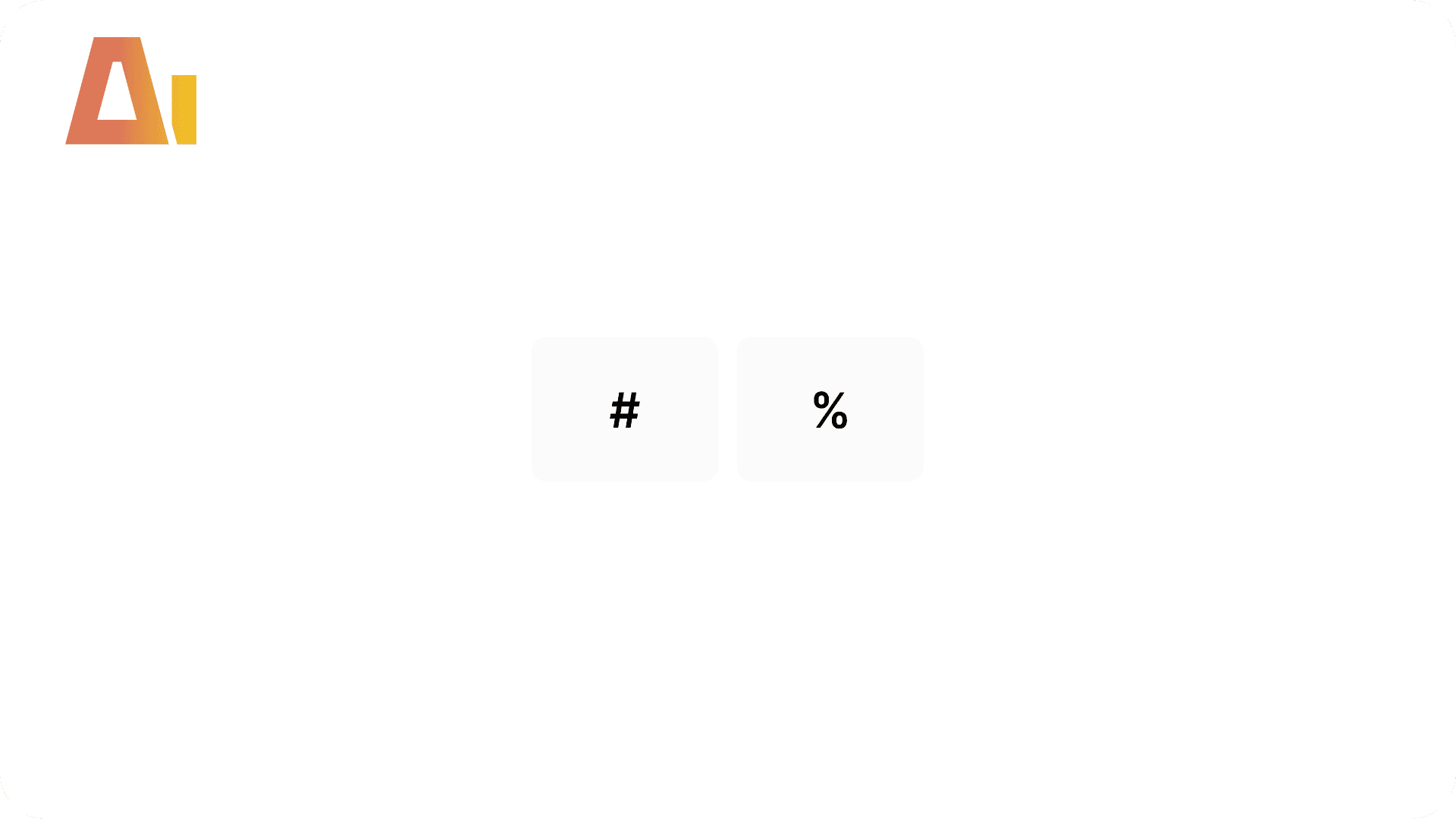
# / % Switch for Chart Visuals
Overview
Features
Prompts
Help
Key Features
Your bar chart shows totals, but people also want to see each part as a share of the whole. The usual answer is a second chart — and now you're maintaining two. A proper toggle keeps it to one visual, but it's a finicky build: a disconnected parameter table, a switch measure whose format flips between "1,234" and "12.3%", a tile slicer, a title that updates, and interaction rules — and one wrong compatibility level or TMDL indent silently breaks the format string at runtime. This skill builds the lot from one command; you just pick which percentage you mean (100%-stacked, % of total, and a few more) — run it with /abs-pct-toggle.
How it works
Type /abs-pct-toggle, point it at your chart(s), pick which percentage you want, and the skill handles everything:
Reads your chart — finds the base measure on the Y-axis, the measure table, the legend and category, the compatibility level, and whether the chart sits in a bookmark group
Asks one thing — which percentage
%should show: 100%-stacked (the default), % of grand total, % of visible total, % of parent group, a column-specific context, or your own custom denominatorSets up the switch — a shared
#/%parameter table (created once, reused by every toggle) and a switch measure whose value and number format flip with the selectionAdds a self-updating title — reads as the absolute or the percentage version depending on the selection
Points the chart at it — swaps the Y-axis to the switch measure, keeps your existing colours, and binds the dynamic title
Drops in the buttons — a compact two-tile
#/%slicer above the chart, styled to match the slicers already on your page (or elsewhere in the report)Keeps interactions clean — the slicer drives only its own chart and nothing else can move it
Follows bookmarks — if the chart shows and hides with a bookmark, the slicer is grouped with it so they travel together
What you get
A # / % button — a compact two-tile slicer above the chart, styled to match your page, defaulting to
#A switch measure — routes to the base measure or the percentage variant, with a number format that changes on click (no second measure per format)
A self-updating title — reads as the absolute or percentage version depending on the selection
A shared parameter table — the
#/%table, created once and reused by every toggle in the reportUpdated chart — Y-axis swapped to the switch measure, your existing colours preserved, dynamic title bound
Clean interactions — the slicer drives only its own chart
Bookmark grouping — set up for you when the chart is shown and hidden by a bookmark
Explore more in this category

Active Filters Card Visual
Build
Generate a card visual that dynamically displays all currently active slicer and filter selections.

Apply rounded
Build
Convert standard column or bar charts to a lollipop "rounded column" style using Power BI's native error bar feature
Clone Page
Build
Clone any report page with all visuals and bookmarks

Configuration Page
Build
Add a dedicated configuration page to any Power BI report
Tool Information
Skill
39 USD
Bundle (All skills)
249 USD
Category
Build
Version
Version 3.2.2.2.6.2
or log in if you already have an account