Clone Page
Full Page Duplication with Bookmarks
Overview
Features
Prompts
Help
Key Features
Power BI's Duplicate Page copies the canvas, but the bookmark buttons on the clone still point to the original page's bookmark groups. Everything looks fine in edit mode; at runtime, clicking a tab fires the wrong bookmarks — or nothing at all. Fixing it means re-linking each bookmark button to its new group in the Bookmarks panel — doable if you know where to look, but slow, and easy to miss when a page has several groups or nested bookmarks.
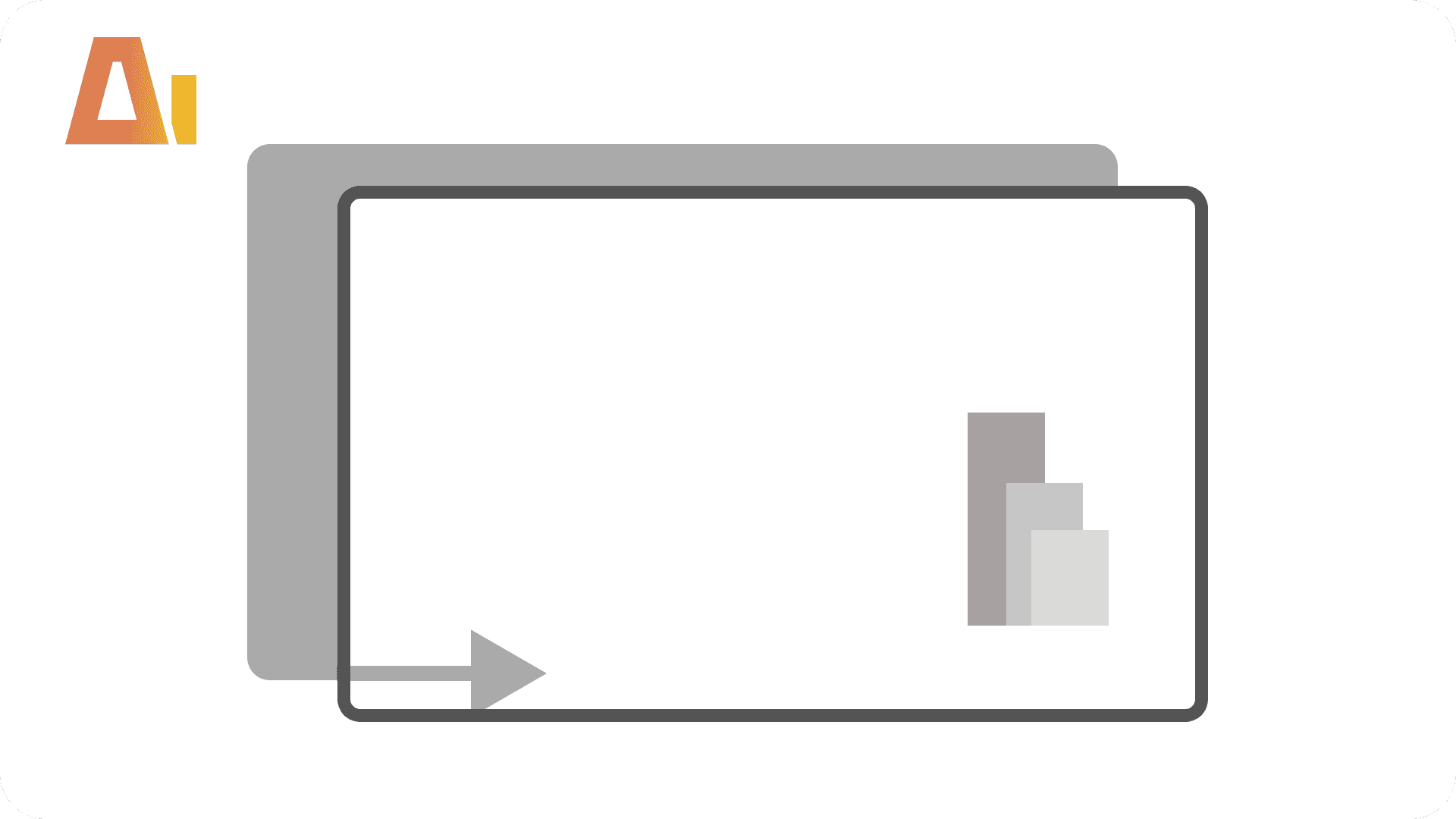
Clone Page regenerates every internal ID and updates every cross-reference in one command. The original page is never touched.
How it works
Type /clone-page, name the source page, and confirm the clone name. The skill:
Builds a complete ID map — page, visuals, bookmark groups, individual bookmarks
Creates the cloned page with all visuals at identical positions
Clones all bookmark groups and bookmarks, preserving tab order
Rewires bookmark buttons to the new groups
Updates interaction and drillthrough references so nothing points back to the original
What you get
Cloned page — identical layout, all visuals placed the same
Working bookmarks — tabs fire the correct bookmarks on the clone, not the original
Independent interactions — cross-filtering between cloned visuals works on its own
Safe drillthrough — binding names regenerated so Power BI loads the report without errors
Untouched original — source page, visuals, and bookmarks are unchanged
Tooltip pages are shared across the report and are not cloned.
Explore more in this category
Absolute / Percentage Toggle
Build
Add a tile slicer to any chart that switches between absolute values and percentages

Active Filters Card Visual
Build
Generate a card visual that dynamically displays all currently active slicer and filter selections.

Apply rounded
Build
Convert standard column or bar charts to a lollipop "rounded column" style using Power BI's native error bar feature

Configuration Page
Build
Add a dedicated configuration page to any Power BI report
Tool Information
Skill
39 USD
Bundle (All skills)
249 USD
Category
Build
Version
Version 5.2.2.2
or log in if you already have an account