Time Intelligence Kit
23 Patterns
DAX
DAX
Overview
Features
Prompts
Help
Key Features
The old way to do time intelligence is to write a YTD, a Prior Year, a YoY %, and a MAT version of every measure — then do it all again for the next measure, and the next. A model with 50 KPIs turns into hundreds of near-identical measures, every one maintained by hand.
A calculation group flips that around. You build the time logic once and it applies to every measure in the model at once. Drop any measure into a visual, pick "YTD" from a slicer, and it shows year-to-date — no new measure needed. Add a brand-new measure next month and it inherits all 23 variants for free.
The catch is that calculation groups are fiddly to hand-build: one wrong indent, a missing model property, or the wrong format-string syntax and Power BI refuses to load the file. This skill writes the whole thing correctly and registers it in your model in a single command — run it with /time-intelligence-kit.
How it works
Type /time-intelligence-kit, point it to your model, and the skill builds everything:
Scans your model to detect the date table, column, and how the calendar was built
Asks one question: does your date table extend to Dec 31 of the max year, or does it stop where your data stops? (The scan infers the answer and pre-selects the recommended option — you just confirm)
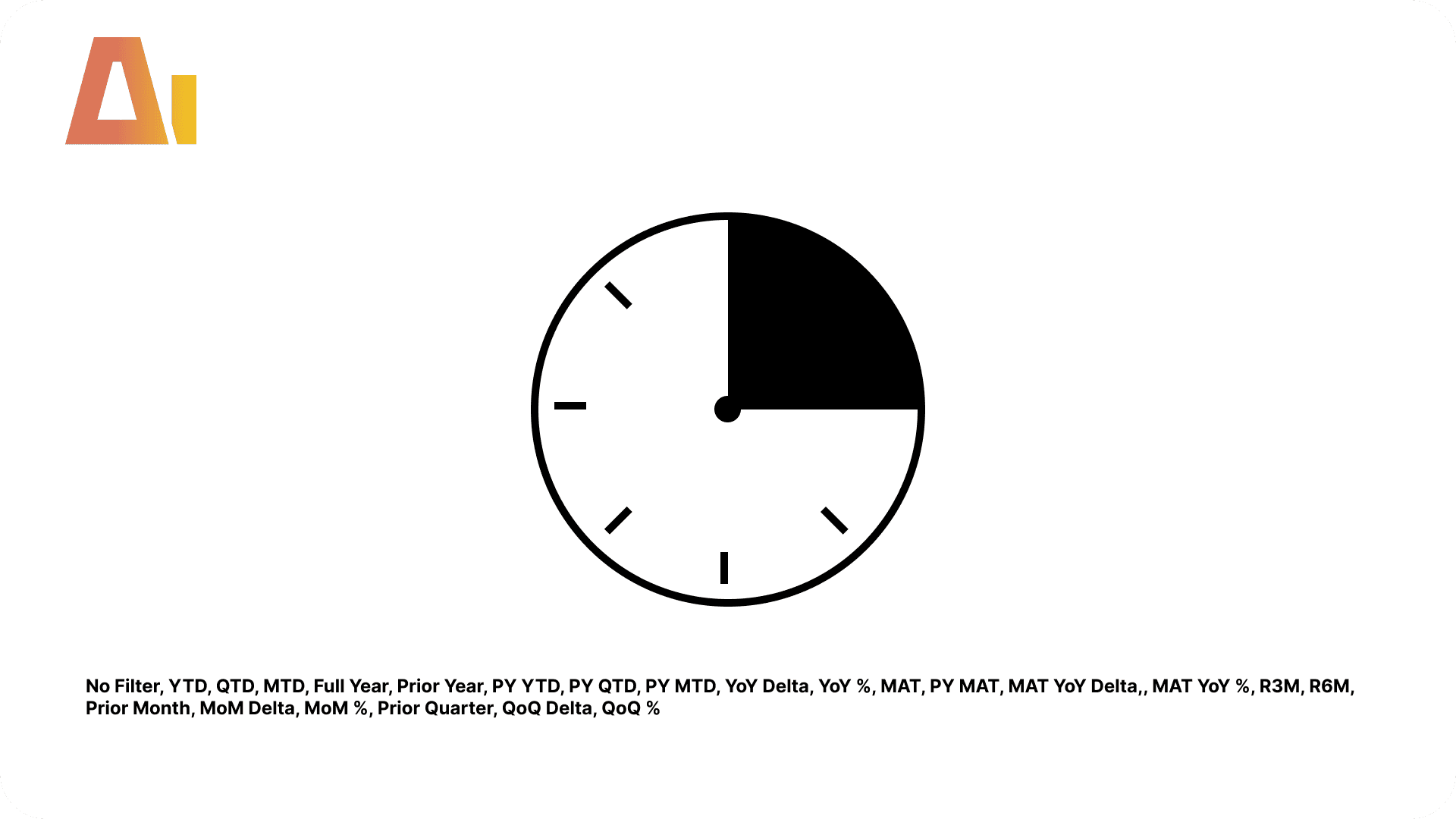
Generates a calculation group table with 23 calculation items in canonical Power BI Desktop format
Patches the model definition with three required properties — all handled automatically
Using the calculation group
As a slicer — drag the Item column onto a slicer. Any measure visual on the page responds to the selected item automatically.
In a matrix — put Item on rows and your measure(s) on values. Every time intelligence variant appears as a separate row.
As an explicit measure — lock a specific item for use in cards and KPIs:
Total Sales YTD   = CALCULATE([Total Sales], 'Time Intelligence'[Item] = "YTD")
Total Sales PY    = CALCULATE([Total Sales], 'Time Intelligence'[Item] = "Prior Year")
Total Sales YoY % = CALCULATE([Total Sales], 'Time Intelligence'[Item] = "YoY %")
Total Sales MAT   = CALCULATE([Total Sales], 'Time Intelligence'[Item] = "MAT")
What you get
23 calculation items across 7 groups — pass-through, period-to-date, prior-year equivalents, YoY comparisons, MAT rolling, short rolling periods, MoM, and QoQ
Correct format strings — YoY %, MAT YoY %, MoM %, and QoQ % formatted as percentages; all other items inherit the measure's own format string
Model definition patched — three required properties added automatically
The 23 items explained
Pass-through
No Filter — Returns the measure unchanged. Use this as the default slicer state so users can opt out of any time intelligence modification.
Period-to-date
YTD — Year-To-Date. Accumulates from the first day of the current year to the last visible date.
QTD — Quarter-To-Date. Accumulates from the first day of the current quarter to the last visible date.
MTD — Month-To-Date. Accumulates from the first day of the current month to the last visible date.
Full Year — The complete calendar year total, regardless of where the current selection ends.
Prior year
Prior Year — The same period in the previous year.
PY YTD — Year-To-Date for the prior year.
PY QTD — Quarter-To-Date for the same quarter one year ago.
PY MTD — Month-To-Date for the same month one year ago.
Year-over-year
YoY Delta — Absolute change between the current period and Prior Year.
YoY % — Percentage change year-over-year, with correct sign handling on negative bases.
Moving annual (MAT)
MAT — Moving Annual Total. The 12-month rolling sum ending on the last visible date — does not reset on January 1.
PY MAT — Moving Annual Total for the equivalent 12-month window one year prior.
MAT YoY Delta — Absolute change between MAT and PY MAT.
MAT YoY % — Percentage change between MAT and PY MAT.
Rolling periods
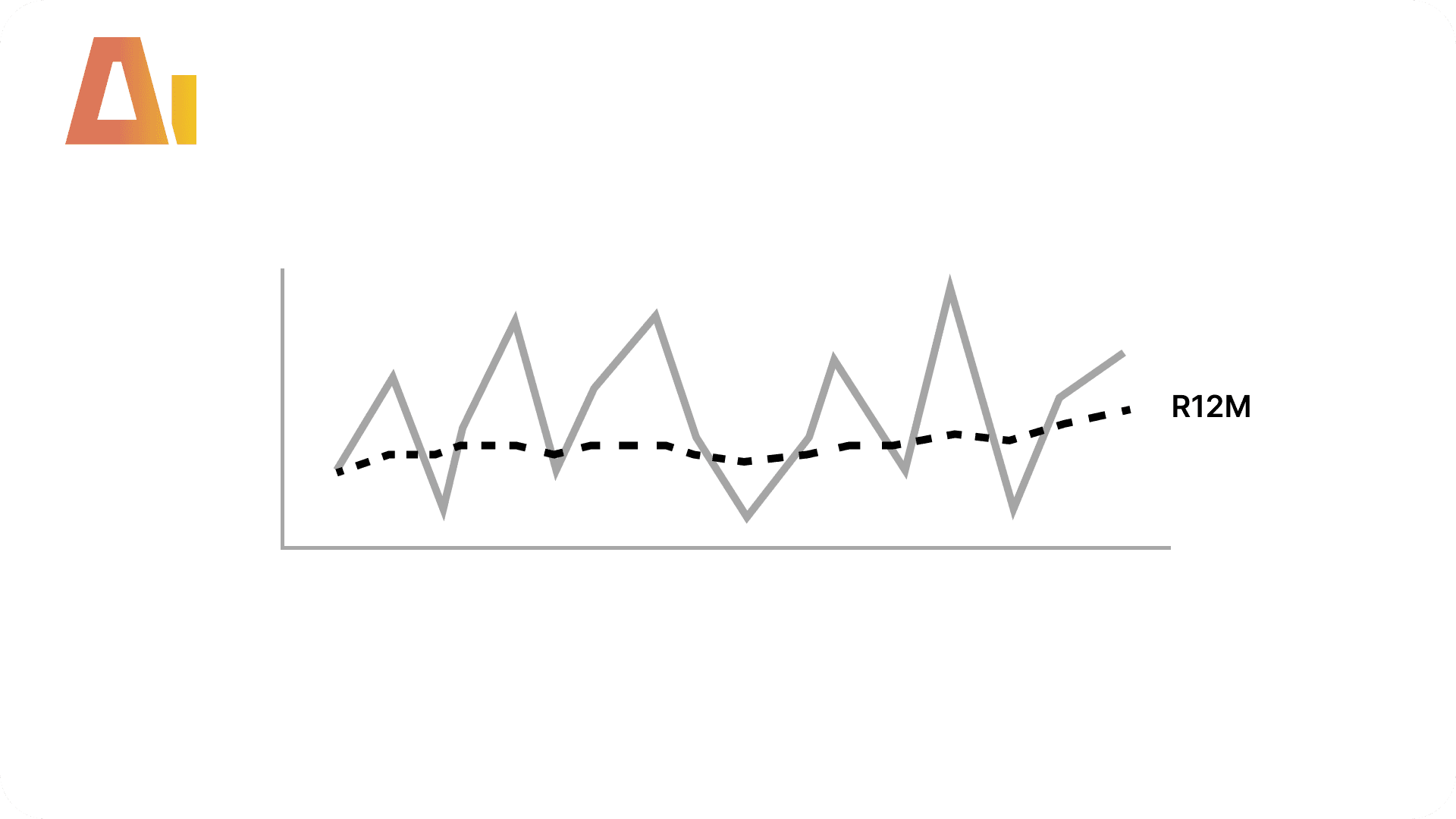
R3M — Rolling 3 Months. The sum of the last 3 months ending on the last visible date.
R6M — Rolling 6 Months. The sum of the last 6 months ending on the last visible date.
Month-over-month
Prior Month — The same measure one calendar month earlier.
MoM Delta — Absolute change between the current month and Prior Month.
MoM % — Percentage change month-over-month.
Quarter-over-quarter
Prior Quarter — The same measure one calendar quarter earlier.
QoQ Delta — Absolute change between the current quarter and Prior Quarter.
QoQ % — Percentage change quarter-over-quarter.
Overview
Features
Prompts
Help
Key Features
The old way to do time intelligence is to write a YTD, a Prior Year, a YoY %, and a MAT version of every measure — then do it all again for the next measure, and the next. A model with 50 KPIs turns into hundreds of near-identical measures, every one maintained by hand.
A calculation group flips that around. You build the time logic once and it applies to every measure in the model at once. Drop any measure into a visual, pick "YTD" from a slicer, and it shows year-to-date — no new measure needed. Add a brand-new measure next month and it inherits all 23 variants for free.
The catch is that calculation groups are fiddly to hand-build: one wrong indent, a missing model property, or the wrong format-string syntax and Power BI refuses to load the file. This skill writes the whole thing correctly and registers it in your model in a single command — run it with /time-intelligence-kit.
How it works
Type /time-intelligence-kit, point it to your model, and the skill builds everything:
Scans your model to detect the date table, column, and how the calendar was built
Asks one question: does your date table extend to Dec 31 of the max year, or does it stop where your data stops? (The scan infers the answer and pre-selects the recommended option — you just confirm)
Generates a calculation group table with 23 calculation items in canonical Power BI Desktop format
Patches the model definition with three required properties — all handled automatically
Using the calculation group
As a slicer — drag the Item column onto a slicer. Any measure visual on the page responds to the selected item automatically.
In a matrix — put Item on rows and your measure(s) on values. Every time intelligence variant appears as a separate row.
As an explicit measure — lock a specific item for use in cards and KPIs:
Total Sales YTD   = CALCULATE([Total Sales], 'Time Intelligence'[Item] = "YTD")
Total Sales PY    = CALCULATE([Total Sales], 'Time Intelligence'[Item] = "Prior Year")
Total Sales YoY % = CALCULATE([Total Sales], 'Time Intelligence'[Item] = "YoY %")
Total Sales MAT   = CALCULATE([Total Sales], 'Time Intelligence'[Item] = "MAT")
What you get
23 calculation items across 7 groups — pass-through, period-to-date, prior-year equivalents, YoY comparisons, MAT rolling, short rolling periods, MoM, and QoQ
Correct format strings — YoY %, MAT YoY %, MoM %, and QoQ % formatted as percentages; all other items inherit the measure's own format string
Model definition patched — three required properties added automatically
The 23 items explained
Pass-through
No Filter — Returns the measure unchanged. Use this as the default slicer state so users can opt out of any time intelligence modification.
Period-to-date
YTD — Year-To-Date. Accumulates from the first day of the current year to the last visible date.
QTD — Quarter-To-Date. Accumulates from the first day of the current quarter to the last visible date.
MTD — Month-To-Date. Accumulates from the first day of the current month to the last visible date.
Full Year — The complete calendar year total, regardless of where the current selection ends.
Prior year
Prior Year — The same period in the previous year.
PY YTD — Year-To-Date for the prior year.
PY QTD — Quarter-To-Date for the same quarter one year ago.
PY MTD — Month-To-Date for the same month one year ago.
Year-over-year
YoY Delta — Absolute change between the current period and Prior Year.
YoY % — Percentage change year-over-year, with correct sign handling on negative bases.
Moving annual (MAT)
MAT — Moving Annual Total. The 12-month rolling sum ending on the last visible date — does not reset on January 1.
PY MAT — Moving Annual Total for the equivalent 12-month window one year prior.
MAT YoY Delta — Absolute change between MAT and PY MAT.
MAT YoY % — Percentage change between MAT and PY MAT.
Rolling periods
R3M — Rolling 3 Months. The sum of the last 3 months ending on the last visible date.
R6M — Rolling 6 Months. The sum of the last 6 months ending on the last visible date.
Month-over-month
Prior Month — The same measure one calendar month earlier.
MoM Delta — Absolute change between the current month and Prior Month.
MoM % — Percentage change month-over-month.
Quarter-over-quarter
Prior Quarter — The same measure one calendar quarter earlier.
QoQ Delta — Absolute change between the current quarter and Prior Quarter.
QoQ % — Percentage change quarter-over-quarter.
Overview
Features
Prompts
Help
Key Features
The old way to do time intelligence is to write a YTD, a Prior Year, a YoY %, and a MAT version of every measure — then do it all again for the next measure, and the next. A model with 50 KPIs turns into hundreds of near-identical measures, every one maintained by hand.
A calculation group flips that around. You build the time logic once and it applies to every measure in the model at once. Drop any measure into a visual, pick "YTD" from a slicer, and it shows year-to-date — no new measure needed. Add a brand-new measure next month and it inherits all 23 variants for free.
The catch is that calculation groups are fiddly to hand-build: one wrong indent, a missing model property, or the wrong format-string syntax and Power BI refuses to load the file. This skill writes the whole thing correctly and registers it in your model in a single command — run it with /time-intelligence-kit.
How it works
Type /time-intelligence-kit, point it to your model, and the skill builds everything:
Scans your model to detect the date table, column, and how the calendar was built
Asks one question: does your date table extend to Dec 31 of the max year, or does it stop where your data stops? (The scan infers the answer and pre-selects the recommended option — you just confirm)
Generates a calculation group table with 23 calculation items in canonical Power BI Desktop format
Patches the model definition with three required properties — all handled automatically
Using the calculation group
As a slicer — drag the Item column onto a slicer. Any measure visual on the page responds to the selected item automatically.
In a matrix — put Item on rows and your measure(s) on values. Every time intelligence variant appears as a separate row.
As an explicit measure — lock a specific item for use in cards and KPIs:
Total Sales YTD   = CALCULATE([Total Sales], 'Time Intelligence'[Item] = "YTD")
Total Sales PY    = CALCULATE([Total Sales], 'Time Intelligence'[Item] = "Prior Year")
Total Sales YoY % = CALCULATE([Total Sales], 'Time Intelligence'[Item] = "YoY %")
Total Sales MAT   = CALCULATE([Total Sales], 'Time Intelligence'[Item] = "MAT")
What you get
23 calculation items across 7 groups — pass-through, period-to-date, prior-year equivalents, YoY comparisons, MAT rolling, short rolling periods, MoM, and QoQ
Correct format strings — YoY %, MAT YoY %, MoM %, and QoQ % formatted as percentages; all other items inherit the measure's own format string
Model definition patched — three required properties added automatically
The 23 items explained
Pass-through
No Filter — Returns the measure unchanged. Use this as the default slicer state so users can opt out of any time intelligence modification.
Period-to-date
YTD — Year-To-Date. Accumulates from the first day of the current year to the last visible date.
QTD — Quarter-To-Date. Accumulates from the first day of the current quarter to the last visible date.
MTD — Month-To-Date. Accumulates from the first day of the current month to the last visible date.
Full Year — The complete calendar year total, regardless of where the current selection ends.
Prior year
Prior Year — The same period in the previous year.
PY YTD — Year-To-Date for the prior year.
PY QTD — Quarter-To-Date for the same quarter one year ago.
PY MTD — Month-To-Date for the same month one year ago.
Year-over-year
YoY Delta — Absolute change between the current period and Prior Year.
YoY % — Percentage change year-over-year, with correct sign handling on negative bases.
Moving annual (MAT)
MAT — Moving Annual Total. The 12-month rolling sum ending on the last visible date — does not reset on January 1.
PY MAT — Moving Annual Total for the equivalent 12-month window one year prior.
MAT YoY Delta — Absolute change between MAT and PY MAT.
MAT YoY % — Percentage change between MAT and PY MAT.
Rolling periods
R3M — Rolling 3 Months. The sum of the last 3 months ending on the last visible date.
R6M — Rolling 6 Months. The sum of the last 6 months ending on the last visible date.
Month-over-month
Prior Month — The same measure one calendar month earlier.
MoM Delta — Absolute change between the current month and Prior Month.
MoM % — Percentage change month-over-month.
Quarter-over-quarter
Prior Quarter — The same measure one calendar quarter earlier.
QoQ Delta — Absolute change between the current quarter and Prior Quarter.
QoQ % — Percentage change quarter-over-quarter.
Explore more in this category


Tool Information
Skill
39 USD
Bundle (All skills)
249 USD
Category
DAX
Version
Version 2.1.1.2.15
or log in if you already have an account