Year Range Toggle
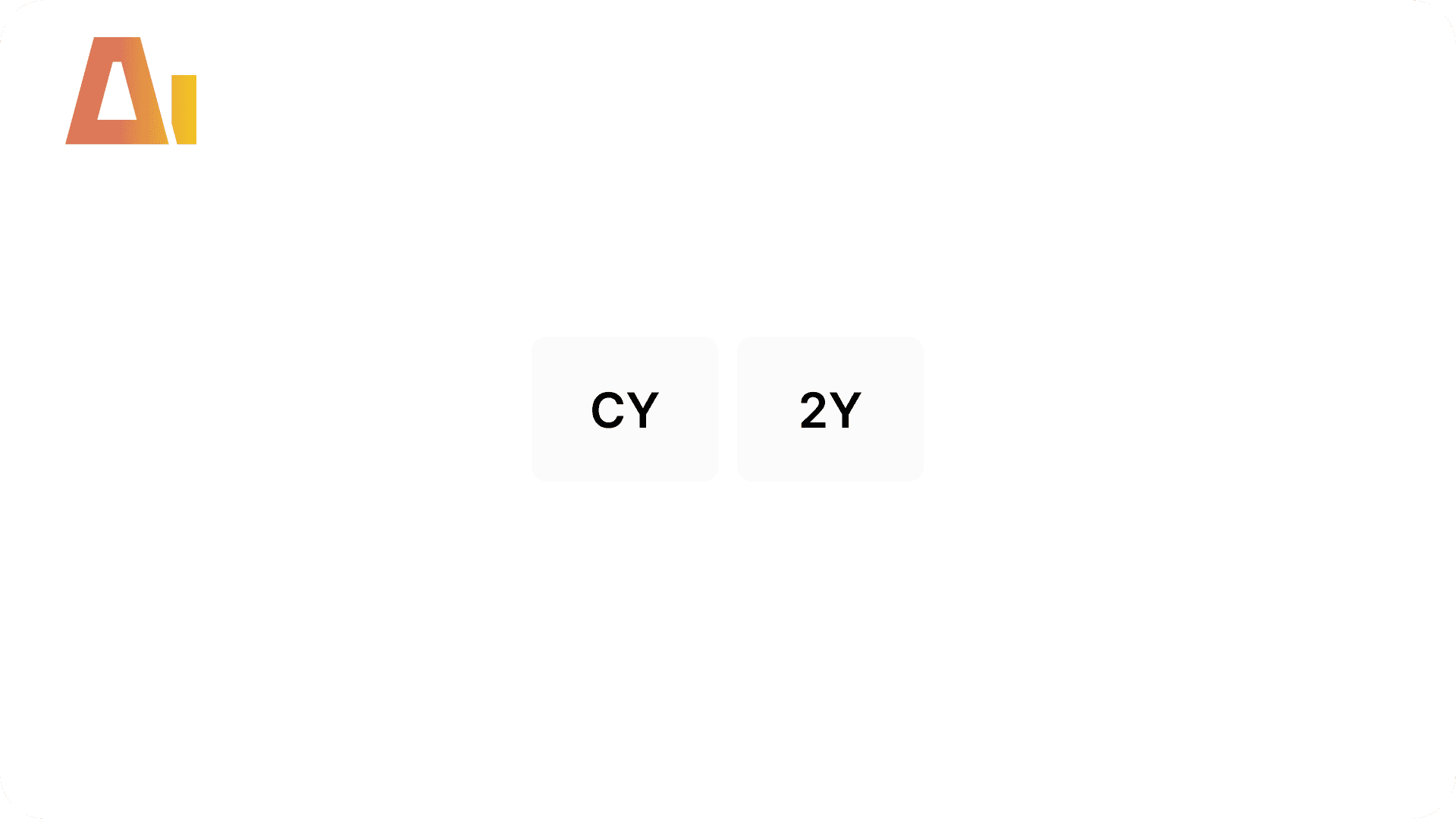
CY / 2Y / 3Y Year Window Slicer
Build
Overview
Features
Prompts
Troubleshooting
Key Features
Your bar chart spans five years of data, but stakeholders usually care about only the current year or the last two. Hiding past years via a visual-level date filter is static — it breaks when the calendar rolls over. Building it manually means creating a disconnected parameter table, a VF measure with SELECTEDVALUE + ISBLANK guards, wiring the measure as a visual-level filter, a tile slicer with correct interaction rules, and — when the chart axis lives on the calendar table itself — an auto-created disconnected axis table and TREATAS wrapper measures. Getting any one of those pieces wrong produces an empty chart with no error. This skill builds all of it from a single prompt.
How it works
Type /year-range-toggle, specify the target chart(s) and which periods to include, and the skill handles everything:
Asks which periods to include — CY, 2Y, 3Y, 4Y, or 5Y — before proceeding
Detects the calendar table, year column, and measure table from TMDL automatically
If the chart axis is on the calendar table, auto-creates a disconnected
hlpTrendsaxis table with TREATAS wrapper measures — no prompt neededCreates a
PrmYearRangedisconnected parameter table with Label and Order columnsWrites a visual-level filter (VF) measure with
ISBLANKguard so all years show when no external year slicer is activeCreates a tile slicer above the chart, sized and styled to match existing page slicers
Applies the VF measure as a visual-level filter on the target chart
Sets interaction rules so slicer tiles cross-filter only their paired chart
What you get
PrmYearRange{Suffix}table — disconnected DATATABLE with Label (CY, 2Y, …) and Order (0, 1, …) columns; one table per target chart when multiple visuals are providedVF measure —
_{BaseMeasure} Year VFthat returns 1 for bars within the selected window, 0 for bars outside;ISBLANKguard shows all years when no external year slicer is selectedUpdated chart visual — VF measure wired as a visual-level filter; axis updated to the disconnected table when auto-created
TREATAS wrapper measures —
{BaseMeasure} Trendedmeasures created when the axis table is auto-created from the calendar tableTile slicer — positioned directly above the chart, right-aligned, styled to match the page; one slicer per target chart
Scoped interactions — slicer tiles filter only their paired chart; other page visuals are unaffected
Explore more in this category
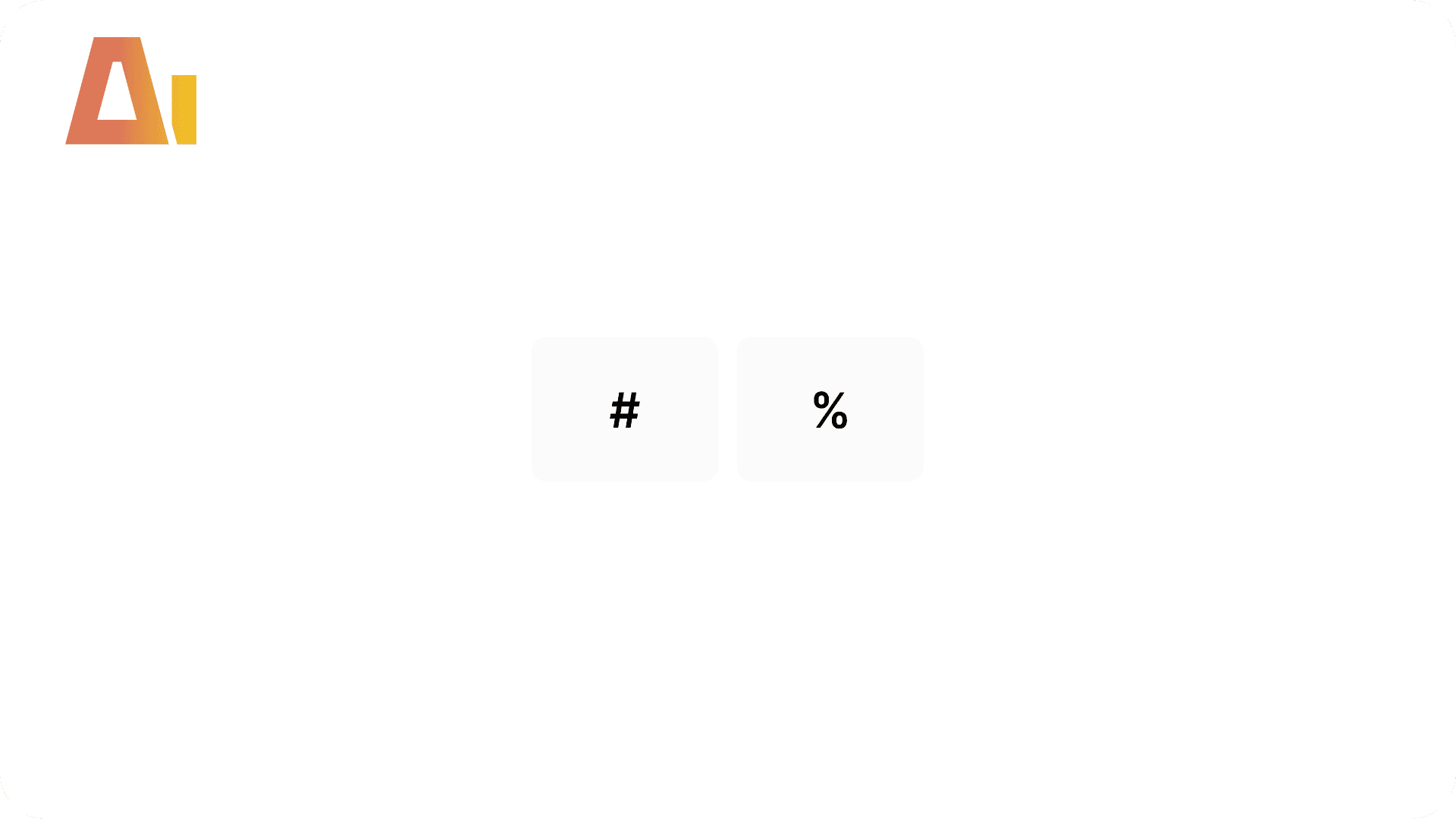
Absolute / Percentage Toggle
Build
Add a two-button tile slicer to any chart that switches between absolute values and a percentage variant, with a dynamic format string and auto-derived chart title.

Active Filters Card Visual
Build
Generate a card visual that dynamically displays all currently active slicer and filter selections.
Clone Page
Build
Clone any report page with all visuals, bookmark navigators, interactions, and drillthrough bindings as a fully independent copy.
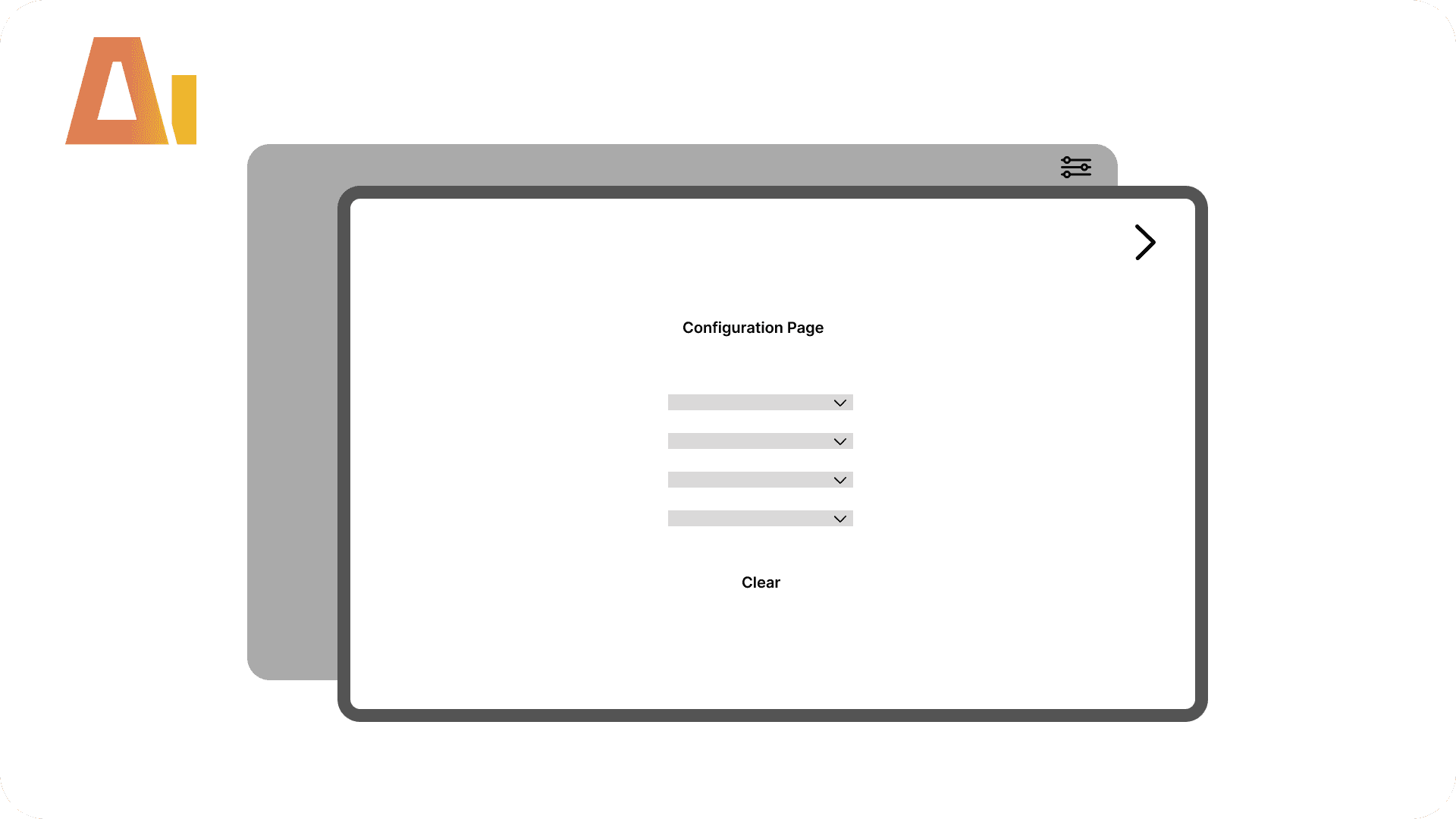
Configuration Page
Build
Add a dedicated configuration page to any Power BI report — slicers move off the canvas into a clean hidden page, reachable via a filter button and closeable with a back button.
Tool Information
Price
20 USD
Category
Build
Version
Version 2.1.1.2.13