Split Matrix Slicer
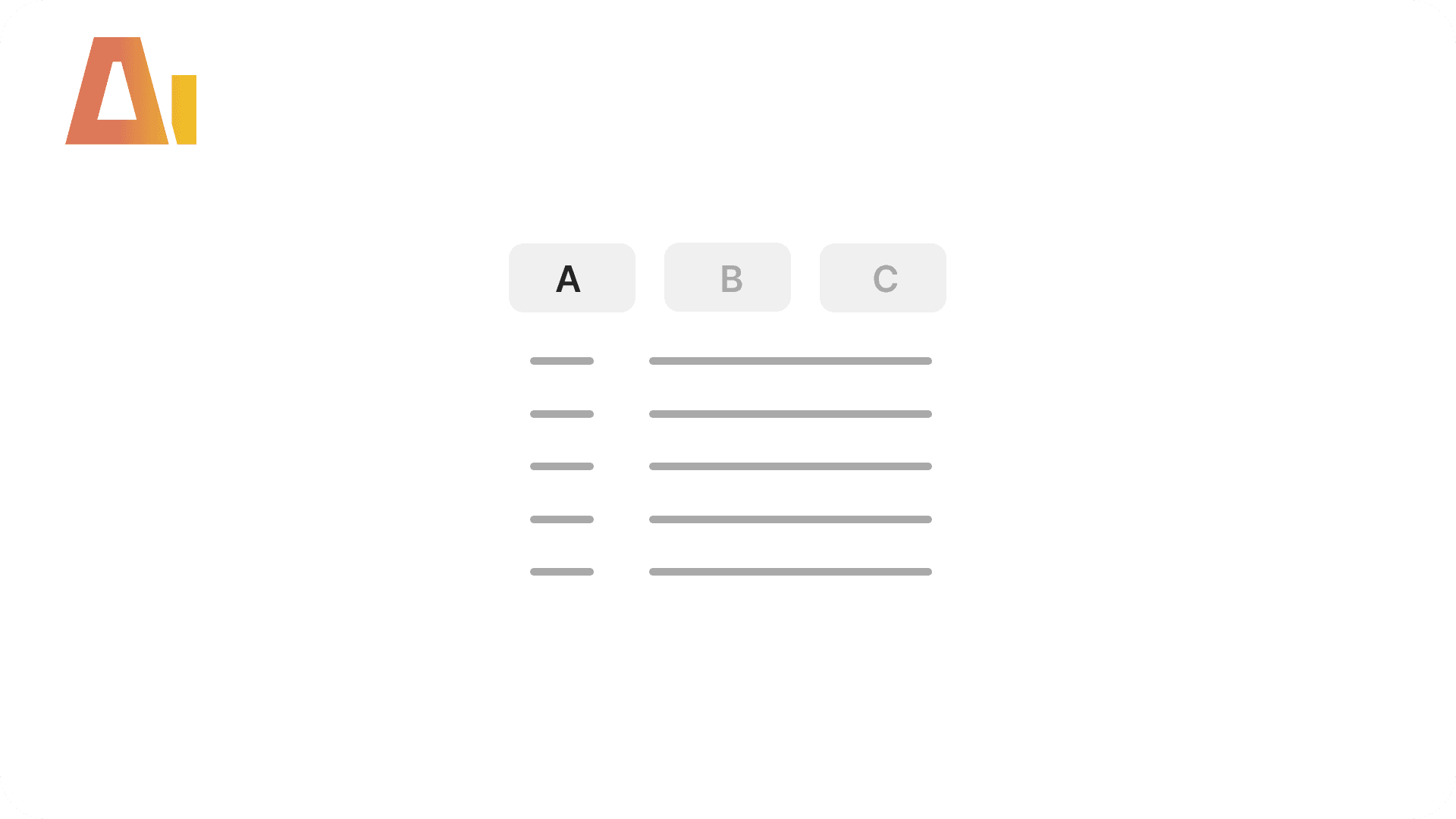
Category-Switchable Field Groups
Build
Overview
Features
Prompts
Troubleshooting
Key Features
Your matrix has 25 row fields — revenue, cost, ratio, and volume metrics all at once. Power BI has no built-in way to switch between categories. Building one requires a disconnected DATATABLE, a SWITCH dispatcher measure, updated multi-selection display, a rebuilt matrix, and a dropdown slicer. This skill creates the entire setup — table, measures, matrix, and slicer — from a single conversation.
How it works
Type /split-matrix-slicer, define your categories, and the skill builds the entire setup:
Inventories the target matrix (measures, visual ID, page)
You group the fields into categories (e.g., Revenue, Cost, Ratios)
Creates a disconnected DATATABLE with field names, categories, and sort orders
Updates individual measures to show comma-separated values instead of "Multiple" for multi-selection
Creates a SWITCH dispatcher measure
Rebuilds the visual as a category-driven matrix
Adds a dropdown slicer for category switching
What you get
Disconnected DATATABLE — with FieldName, Category, SortOrder, and CategorySort columns
Updated measures — CONCATENATEX pattern for clean multi-selection display
SWITCH dispatcher — maps selected field name to the correct measure
Rebuilt matrix — rows show category labels, values show the dispatcher measure
Category slicer — dropdown bound to the category column
Explore more in this category
Absolute / Percentage Toggle
Build
Add a two-button tile slicer to any chart that switches between absolute values and a percentage variant, with a dynamic format string and auto-derived chart title.

Active Filters Card Visual
Build
Generate a card visual that dynamically displays all currently active slicer and filter selections.
Clone Page
Build
Clone any report page with all visuals, bookmark navigators, interactions, and drillthrough bindings as a fully independent copy.
Convert to Trendline
Build
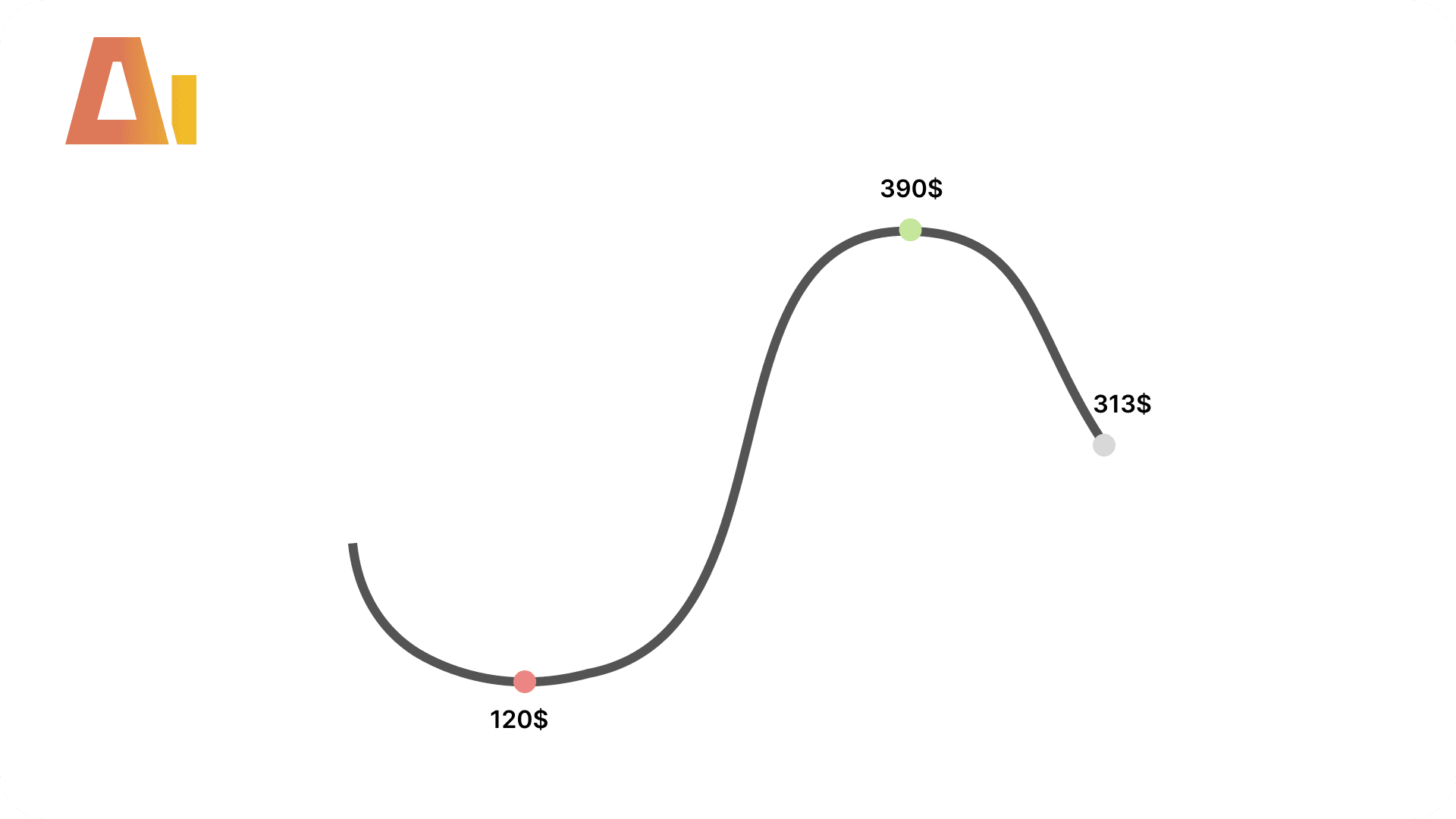
Add formatted data labels, markers, area shading, and a canvas tooltip to line chart visuals.